How To Deactivate Voicemail On Android

Ever found yourself in a meeting, on a date, or just trying to enjoy your favorite song, only to be interrupted by that dreaded 'beep'? You know, the one that signals a voicem...
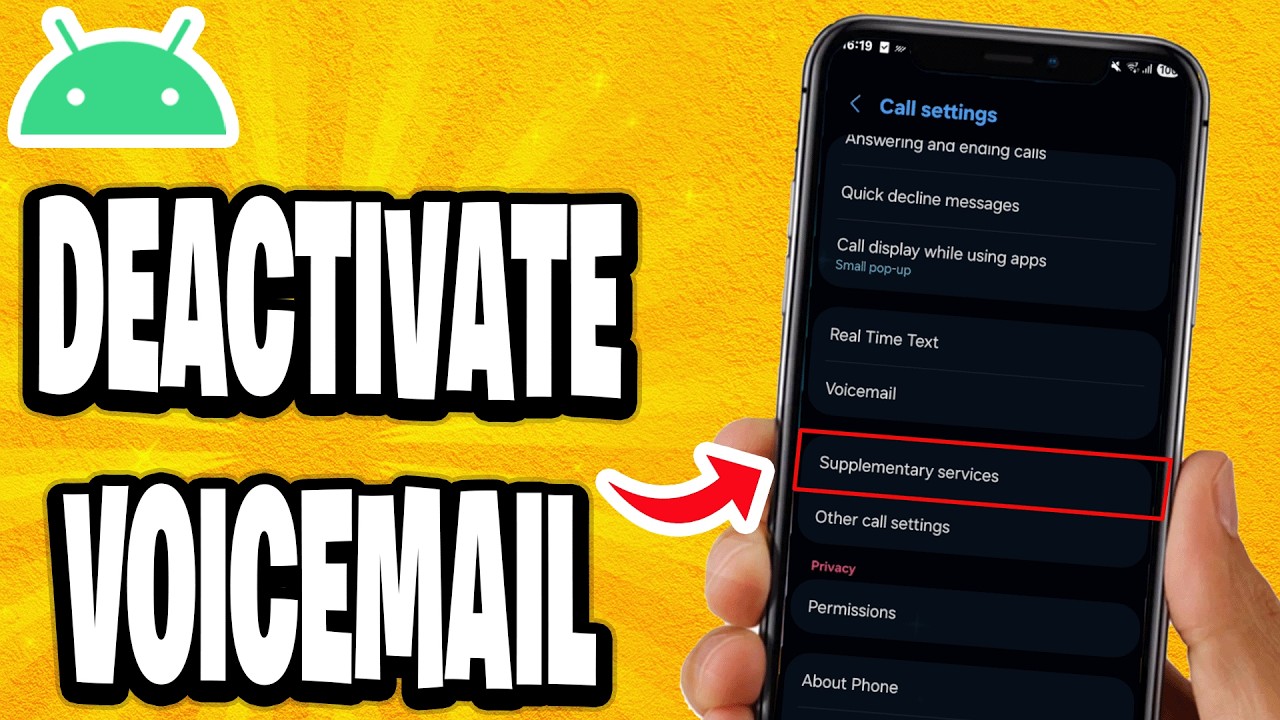
Ever found yourself in a meeting, on a date, or just trying to enjoy your favorite song, only to be interrupted by that dreaded 'beep'? You know, the one that signals a voicemail waiting for you. It's like having a tiny, persistent friend who just won't take a hint. Well, it's time to give that friend a vacation. Let's learn how to deactivate voicemail on your Android, so you can enjoy some well-deserved peace and quiet.
Why Bother?
You might be thinking, "But what if someone really needs to reach me?" Well, friend, it's the 21st century. If someone needs to get a hold of you that badly, they'll find a way. They can send a text, an email, or even use that fancy new app called 'Signal'. Voicemail is so last decade.
Think about it like this: voicemail is like a party invitation that arrives after the party has ended. It's outdated, and quite frankly, a bit rude. So, let's give your Android the green light to stop playing messenger boy and start focusing on what it does best - keeping you connected in the here and now.
Must Read
Before We Begin
Now, I'm not saying you should never check your voicemail again. There might be that one aunt who swears by it, or a job interview call you're expecting. So, let's not deactivate voicemail completely, just make it a little less... vocal.
We're going to change your voicemail greeting to something that encourages people to text you instead. It's like leaving a note on your door - "I'm not home right now, but leave a message and I'll get back to you."
Let's Get Started
Step 1: Open the Phone App
You know that little green icon on your home screen? The one that looks like a old-school phone? That's the one. Tap on it.
 How To Turn Off Voicemail Notification on Samsung | How To Disable
Step 2: Dial *#61#
Now, instead of dialing a number, type in this little code: *#61#. It's like a secret knock for your phone. Press the call button, and you should see a screen pop up with your voicemail settings.
Step 3: Change Your Greeting
Here's where you get to have some fun. Record a new greeting that lets people know you're not a fan of voicemail. You could say something like, "Hi, you've reached [Your Name]. I'm not big on voicemail, so if you could send me a text instead, that would be great. Thanks!"
Make it friendly, but firm. You're not saying you don't want to talk to them, just that you prefer a different method of communication.
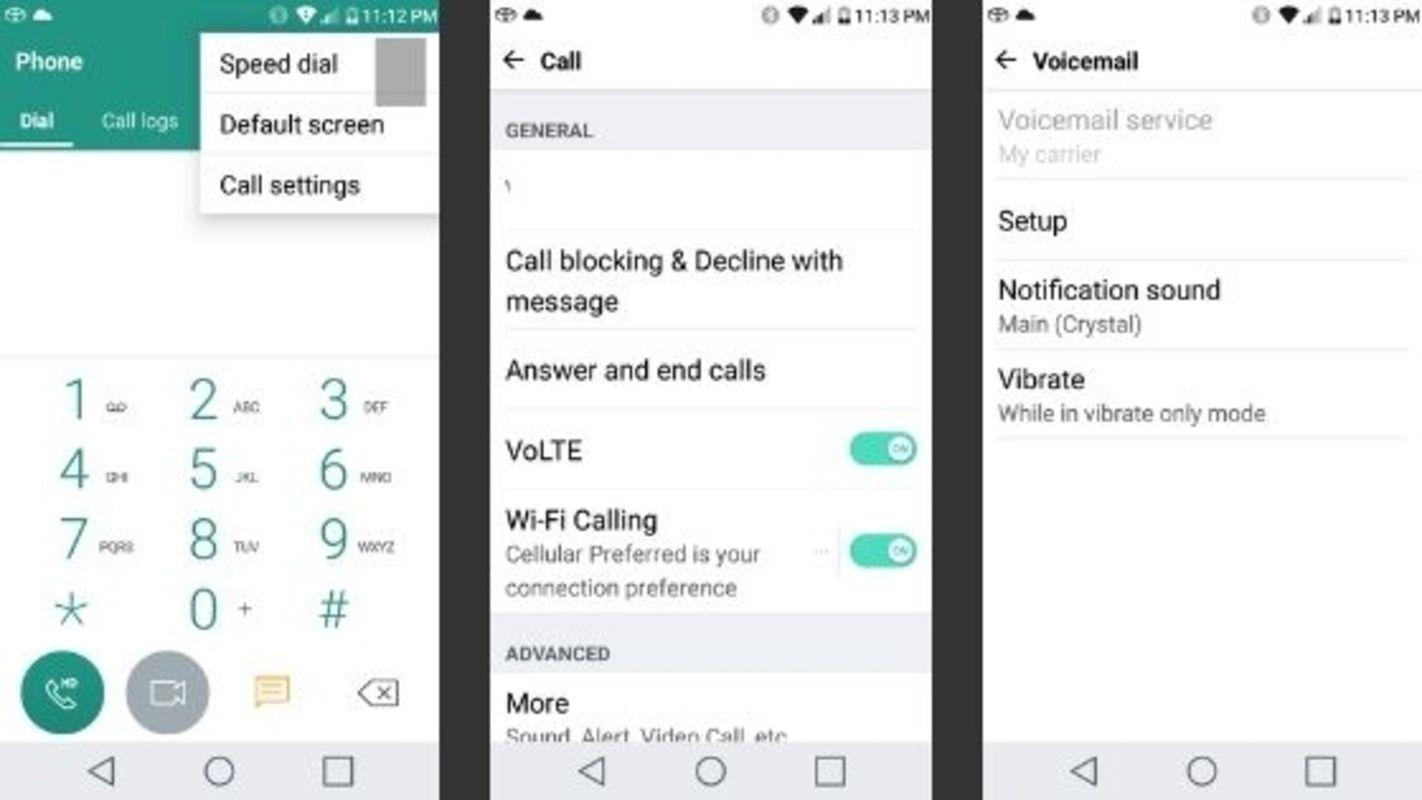 How To Set Up Visual Voicemail On Android | Robots.net
Step 4: Save Your Changes
Once you've recorded your greeting, tap 'Save'. Your phone will now politely ask people to text you instead of leaving a voicemail.
What If I Change My Mind?
Don't worry, if you decide you miss the good old days of voicemail, you can always change it back. Just follow the same steps and record a new greeting that encourages people to leave a message.
Remember, this isn't about being rude or ignoring people. It's about taking control of how you communicate and setting boundaries. It's like telling your friends you're not up for a night out, but you're always down for a coffee catch-up. It's all about what works best for you.
So, go ahead, give it a try. You might just find that life without constant voicemail interruptions is a whole lot sweeter. And who knows, you might even start looking forward to those 'beeps' again - but only if they're from your favorite band releasing a new album, of course.
