How To Get Mods Into Sims 4

Alright, listen up, fellow Sims enthusiasts! Today, we're diving into the wild, wonderful world of mods for The Sims 4. You know, those magical little files that can transform...
Alright, listen up, fellow Sims enthusiasts! Today, we're diving into the wild, wonderful world of mods for The Sims 4. You know, those magical little files that can transform your game into a whole new universe. Let's get started!
First Things First: What's a Mod?
In simple terms, a mod is like a secret ingredient that you add to your game to make it even more delicious. It's a small file that tweaks, adds, or changes something in the game. Think of it as a tiny, digital elf that sneaks into your game and makes things more fun, or even crazy!
Now, before we get too carried away, let's address the elephant in the room. Yes, mods can be a bit tricky to install. But don't worry, we'll keep it simple and fun. Promise!
Must Read
Let's Get Modding!
Step 1: Find Your Mods
First things first, you need to find your mods. There are tons of websites out there, but the most popular ones are Mod The Sims and The Sims Resource. Think of them as the game's secret menu, filled with all sorts of goodies.
But be careful, not all mods are created equal. Some are like gourmet meals, while others are... well, let's just say they're an acquired taste. Always check the ratings and reviews before you download.
Step 2: Installing Your Mods
Alright, you've found your mods. Now it's time to install them. Most mods come with clear instructions, but here's a general guide:
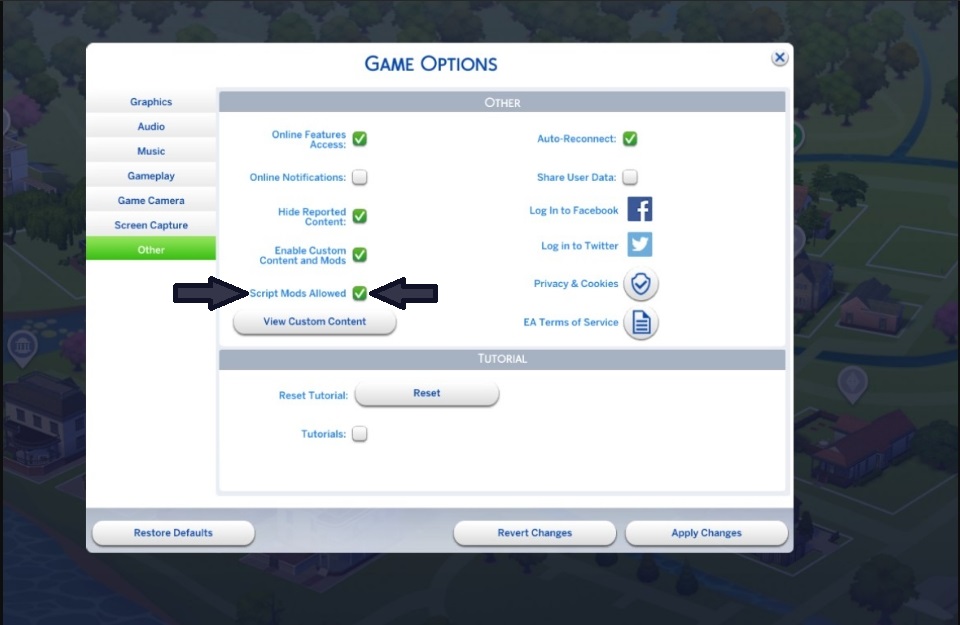
 How to Download/Install Mods & Custom Content in The Sims 4 | itsmeTroi
- Find your game's Mods folder. It's usually located in Documents > Electronic Arts > The Sims 4 > Mods.
- Drag and drop your downloaded mod files into this folder.
- Restart your game, and voila! Your mod should be installed.
Easy peasy, right? Well, almost. Some mods might require additional steps, like enabling them in the game's Options menu. But don't worry, the instructions will guide you through it.
Step 3: Testing Your Mods
Now comes the fun part: testing your mods! Load up your game and see what your new additions do. Did you add a new career? A new hairstyle? A new way to make your Sims go crazy? Let the experiments begin!
But remember, with great power comes great responsibility. Too many mods can slow down your game or even cause crashes. So, keep an eye on your game's performance and don't be afraid to uninstall mods that cause trouble.
Quirky Mods: Because Why Not?
Now, you might be wondering, "What kind of mods are out there?" Well, let me tell you, the Sims community is a creative bunch. Here are a few quirky examples:
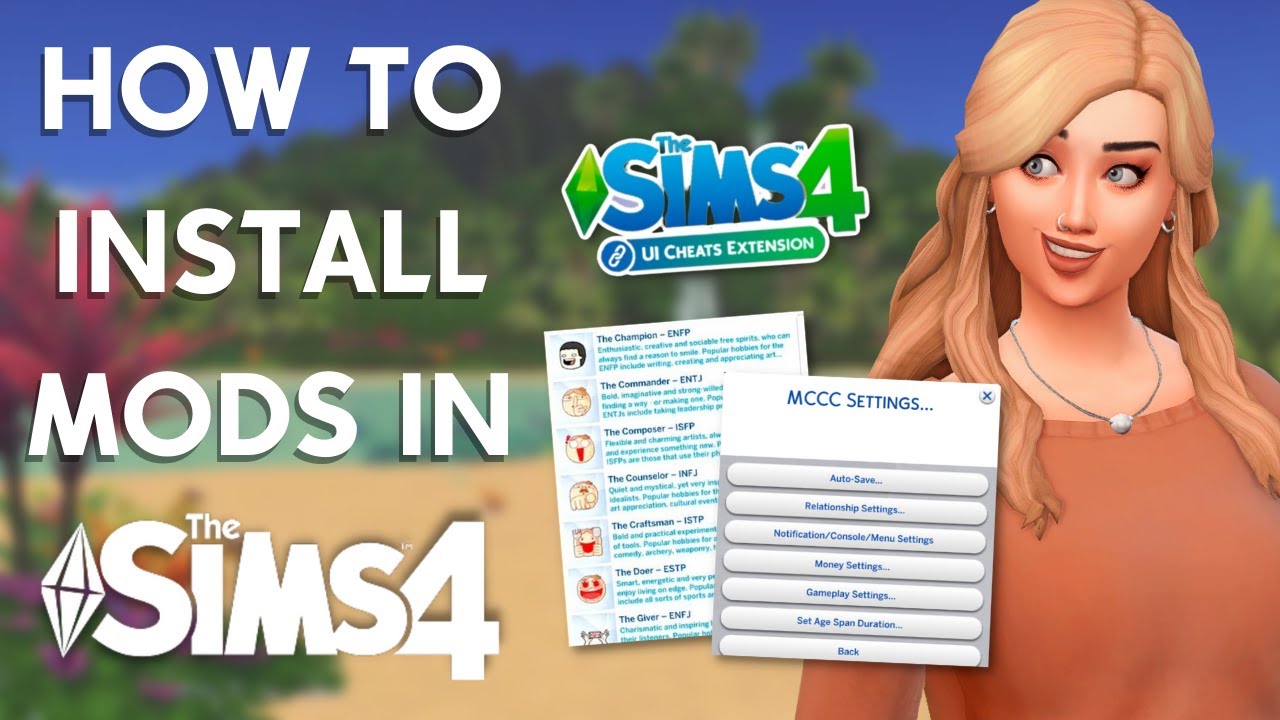 How To Install Drama Mod For Sims 4 – AQAN
- Alien Trait: This mod gives your Sims the ability to become aliens. Yes, you read that right. They can even abduct other Sims!
- Sims 4 Studio: This isn't a mod, but a tool that lets you create your own mods. It's like giving your Sims a DIY kit for their game!
- More Traits: This mod adds a bunch of new traits to your Sims. Like 'Clumsy', 'Loves the Outdoors', or even 'Vampire'. Yes, you can make your Sims into vampires. Why not?
See? The world of Sims mods is a wild and wonderful place. So, what are you waiting for? Get out there and start modding!
Final Thoughts
Modding can be a bit daunting at first, but once you get the hang of it, it's a blast. It's like having a secret key to a whole new world of possibilities. So, go on, unlock those doors, and let your Sims run wild!
And remember, the best part about mods is the community. There are thousands of people out there, creating and sharing mods. So, don't be afraid to join the conversation, share your creations, and make the Sims world a better place. One mod at a time.
Happy modding, fellow Sims enthusiasts! Let's make this digital world a fun and crazy place to be.
