How To Hook A Phone Up To A Tv

Ready to Upgrade Your TV Game? Let's Get Your Phone In on the Action! Alright, folks! Today, we're going to turn your TV into a superstar with just a little help from your tru...
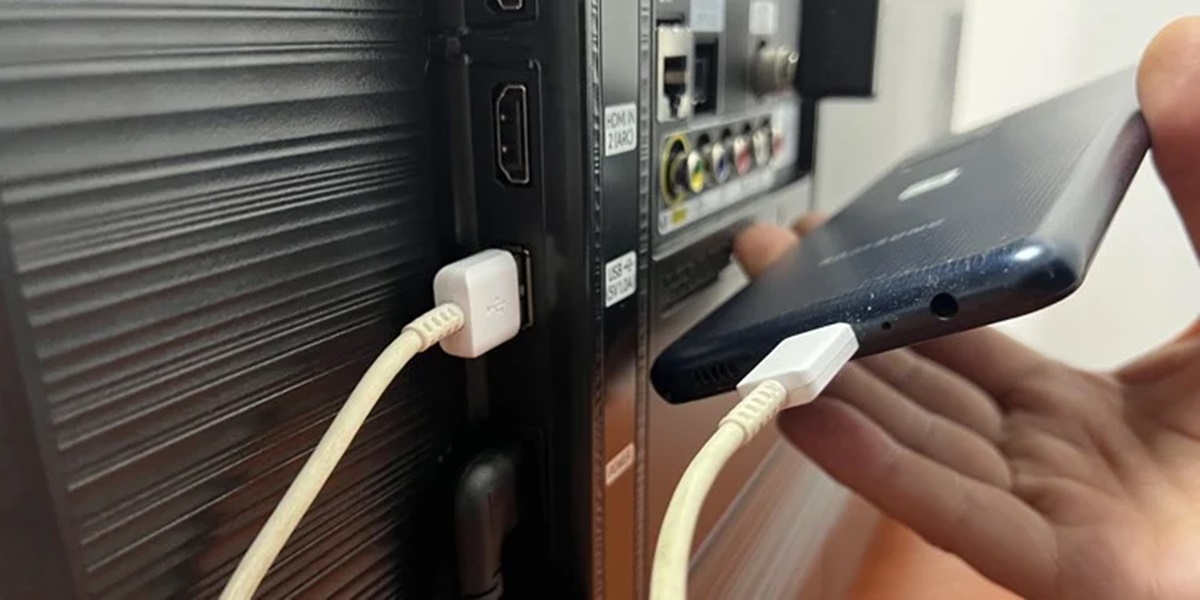
Ready to Upgrade Your TV Game? Let's Get Your Phone In on the Action!
Alright, folks! Today, we're going to turn your TV into a superstar with just a little help from your trusty sidekick - your phone. Yep, you heard it right! With a few simple steps, you'll be streaming, casting, and sharing like a pro. So, let's dive in!
First Things First: What Do You Need?
First off, make sure your TV is a smart one. If it's not, don't worry, we've got a workaround for that too. You'll also need a phone, of course, and a reliable internet connection. Oh, and a bit of patience - we promise it'll be worth it!
Option 1: The Smart TV Route
If your TV is already smart, then you're in luck! Most smart TVs come with built-in apps like Netflix, YouTube, or even a screen mirroring option. To get started, just grab your remote, navigate to the app you want, and log in with your details. Easy peasy!
Must Read
But wait, there's more! You can also use your phone to control what's on your TV. Most streaming apps have a 'cast' or 'share' button. Just tap that, select your TV, and voila! Your phone is now the remote. How cool is that?
Option 2: The Not-So-Smart TV Solution
Don't have a smart TV? No problem! You can still join the party with a little help from a streaming device. Think of these as tiny computers that plug into your TV's HDMI port. Popular ones include the Chromecast, Amazon Fire Stick, and Roku.
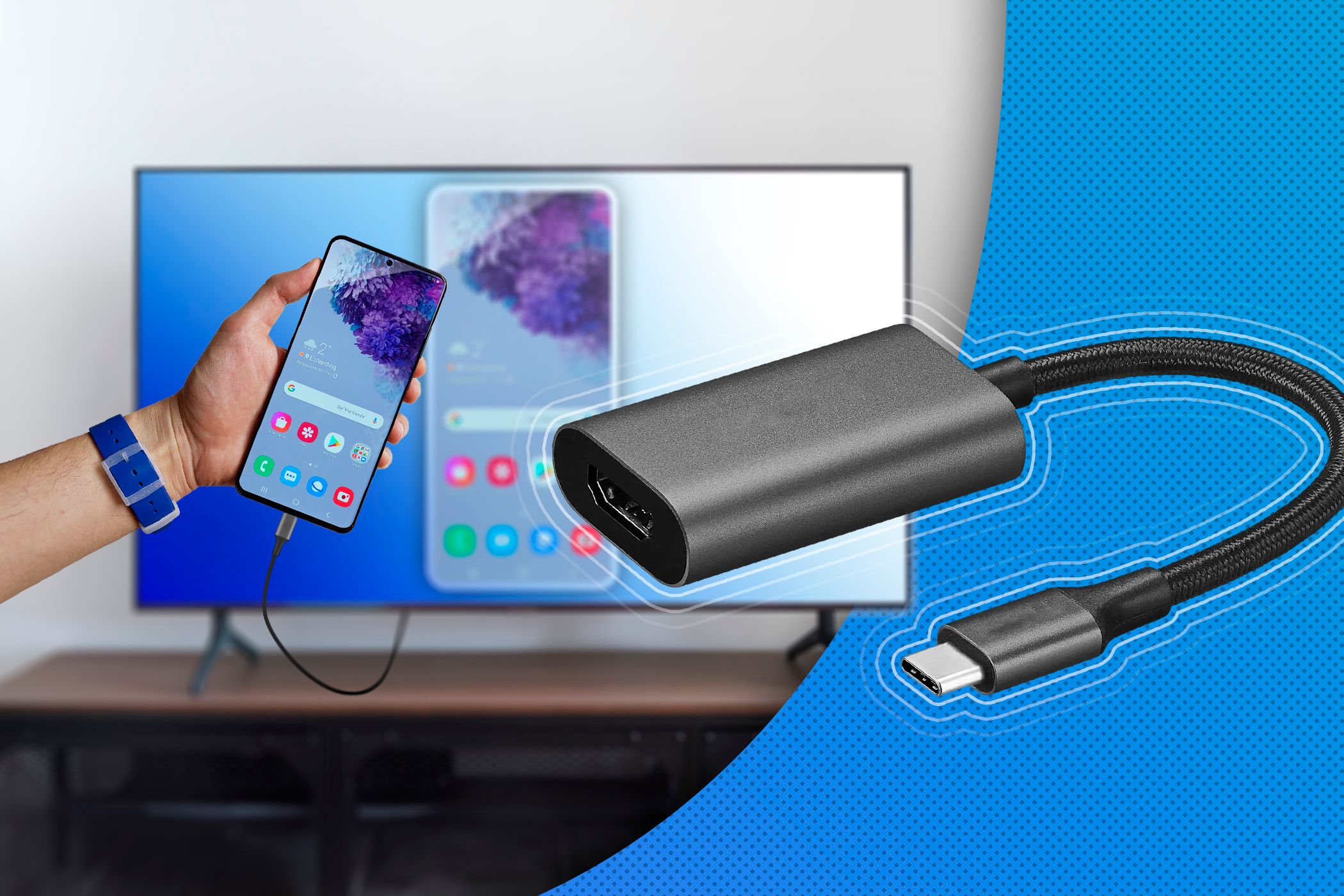 It's Easy to Connect Your Smartphone to Your TV With HDMI Using This Method
Once you've got your streaming device set up, you can use your phone to control it just like a smart TV. Some even let you install apps directly from your phone. Neat, huh?
Now, Let's Talk Sound
Got a soundbar or speakers you want to use? Most streaming devices and smart TVs have Bluetooth built-in, making it a cinch to connect your speakers. Just pair them up, and you're ready to rock!
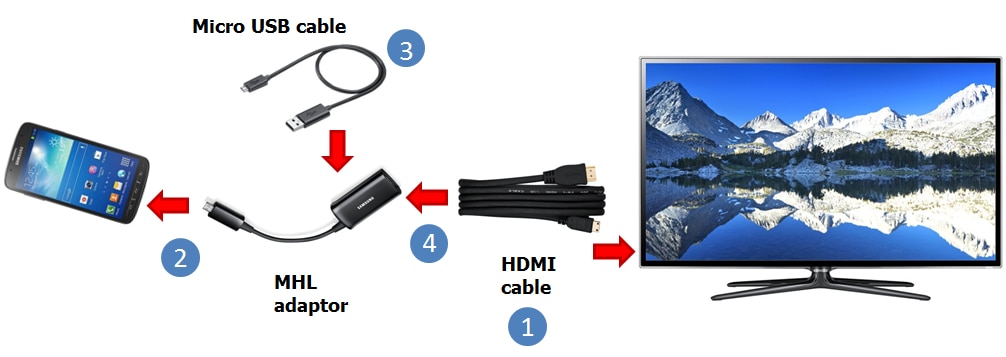 Connect A Smartphone To A TV | Samsung South Africa
And There You Have It!
Wasn't that easy? Now you're all set to turn your TV into a entertainment powerhouse. So, go ahead, stream that movie, show off those photos, or even play some games. Your TV's never looked better!
But wait, there's always more to learn and explore. So, why not check out some of those hidden phone features or even learn a new skill? The world's your oyster, folks. Happy exploring!
