Why Is Apple Music On Pc So Bad

Alright, gather 'round, folks. I've got a tale to tell about Apple Music on PC. Now, I'm not one to bash the big tech giants, but this time, Apple's left me scratching my head...

Alright, gather 'round, folks. I've got a tale to tell about Apple Music on PC. Now, I'm not one to bash the big tech giants, but this time, Apple's left me scratching my head like a confused parrot. So, grab your coffee, and let's dive into this musical mystery.
Once Upon a Time in Cupertino
Picture this: Apple, the tech titan, decides to grace us mere mortals with their musical prowess. They launch Apple Music, a streaming service that promises to be the cat's pajamas. But here's the twist - it's not just for iPhones and Macs. Oh no, they've got bigger plans. They're aiming for world domination, one PC at a time.
Enter the PC: A Fish Out of Water
Now, I'm not saying PCs are ancient relics, but let's face it, they're not exactly the first thing that springs to mind when you think 'Apple'. It's like inviting a penguin to a pool party in the Sahara - sure, it's possible, but it's not going to be a smooth ride.
Must Read
So, Apple Music lands on PC with a thud, and users are left staring at their screens, wondering, "What just happened?"
Why the Fuss?
You might be thinking, "Well, it's just a music streaming service. What's the big deal?" Ah, dear reader, you're in for a treat. Let me paint you a picture.
The Interface: A Maze of Confusion
Imagine you're in a library, but the librarian's on a coffee break, and the Dewey Decimal System is on vacation. That's Apple Music on PC for you. It's a maze of confusion, with buttons that seem to change places like mischievous elves.
And don't even get me started on the 'For You' section. It's like having a personal assistant who's always a step behind. "Oh, you like Taylor Swift? Here's some... Nickelback?" Thanks, Apple. I'll pass.
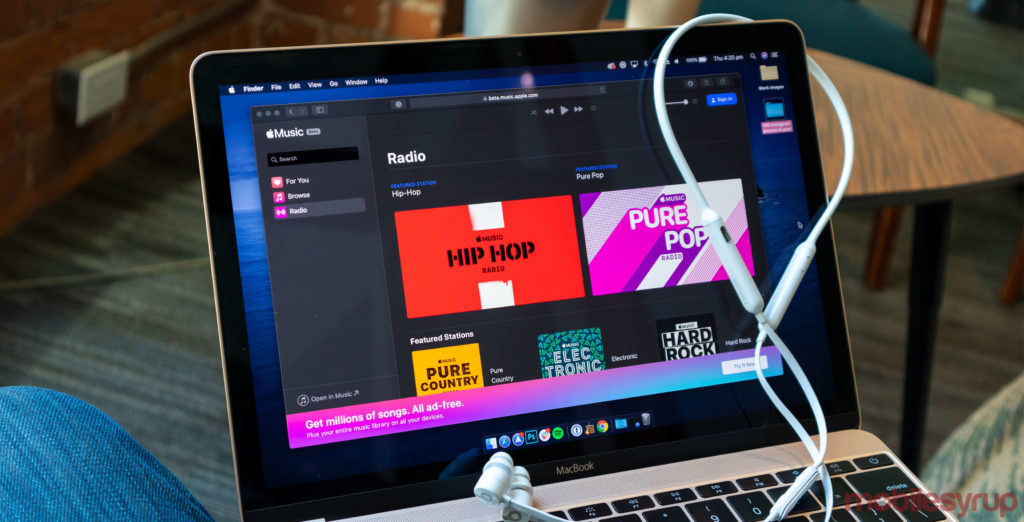 How to access Apple Music on Windows and Linux - Dignited
The Sound Quality: A Tale of Two Cities
Now, I'm no audiophile, but I know my tunes. And when I switch from Apple Music on my iPhone to my PC, it's like going from a symphony orchestra to a... well, to a PC.
Apple Music on PC sounds like it's playing your tunes through a tin can connected to a string. It's not terrible, but it's not what you'd call 'audiophile-grade'. It's like ordering a steak and getting a burger - sure, it's food, but it's not what you expected.
The Sync: A Dance of Frustration
You'd think syncing your tunes across devices would be a breeze. After all, it's the 21st century, right? Wrong. Apple Music on PC syncs like a toddler trying to tie their shoelaces. It's slow, it's unpredictable, and it's enough to make you pull your hair out.
One minute, your tunes are there, the next, they've vanished like a magician's trick. And when they do appear, they're often in the wrong place, like a game of musical chairs gone wrong.
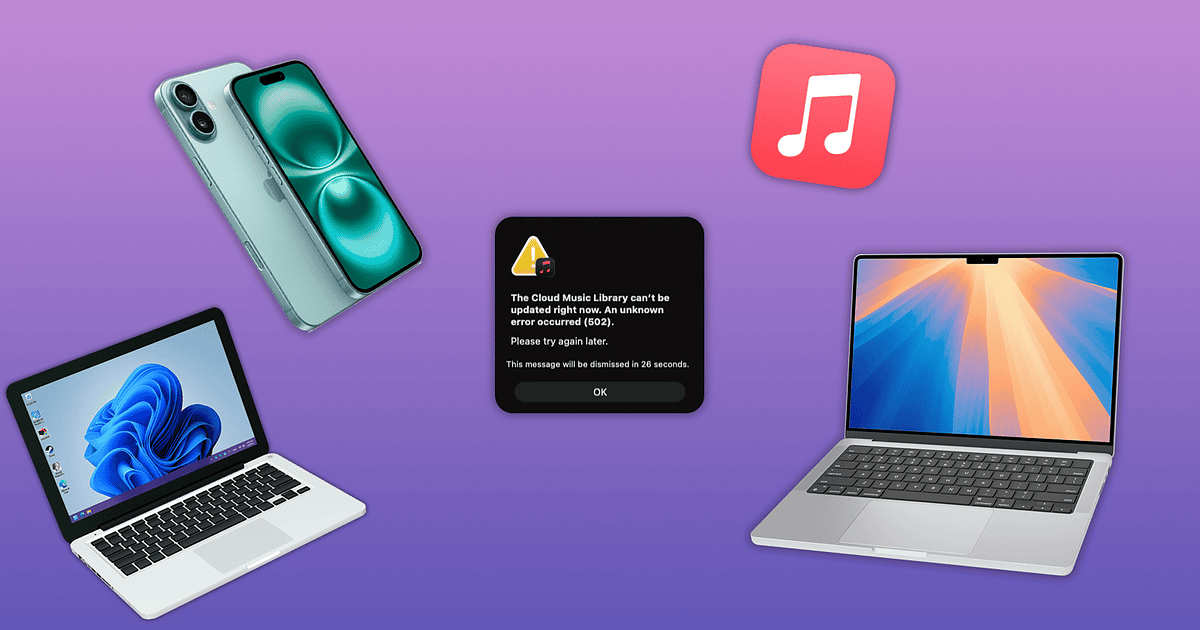 How to Fix Apple Music Not Connecting
But Why?
You might be wondering, "Why, oh why, Apple? Why make it so... challenging?" Well, folks, that's the million-dollar question. Some say it's a plot to drive us all to the dark side of piracy. Others say it's a test of our patience and resolve. Me? I think it's just a big, techy joke at our expense.
But here's the thing: despite all its quirks, Apple Music on PC isn't all bad. It's like that friend who's a bit of a mess but has a heart of gold. It's got a vast library of tunes, and it's always up for a dance (even if it is a bit clumsy).
So, What's the Verdict?
Is Apple Music on PC the worst thing since sliced bread? No, not quite. But it's not the smoothest ride either. It's like a rollercoaster designed by a committee of toddlers - it's got its moments, but it's not exactly a thrilling experience.
If you're an Apple fanatic, it's worth a shot. But if you're a PC loyalist, you might want to stick with the tried-and-true. After all, why fix something that ain't broke? (Unless, of course, you're Apple. Then, by all means, carry on.)
And there you have it, folks. The tale of Apple Music on PC. It's not all bad, but it's certainly not the techy fairytale we were hoping for. Now, if you'll excuse me, I've got some tunes to sync. Wish me luck.
