Minecraft How To Give Players Items On Respawn

Alright, gather 'round, gather 'round! You know how in Minecraft, when you die, it's like the world's biggest party pooper just showed up? Well, today, we're gonna learn how t...
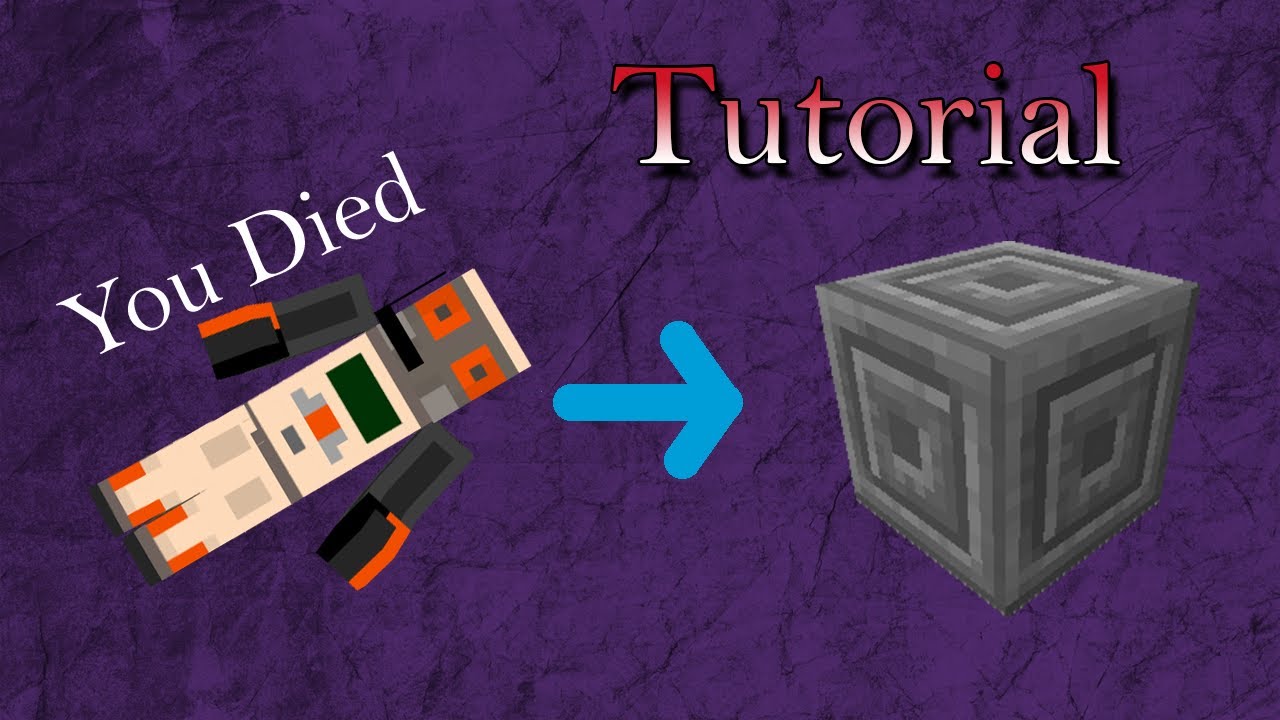
Alright, gather 'round, gather 'round! You know how in Minecraft, when you die, it's like the world's biggest party pooper just showed up? Well, today, we're gonna learn how to make that party a little less sad and a lot more awesome. We're talking about giving your fellow players some sweet, sweet loot as soon as they respawn. Let's dive in, shall we?
First Things First: The Command
Now, before we start handing out presents like it's Christmas morning, we need to know the secret password. The command we're looking for is /execute. It's like the magical word that makes all the Minecraft fairies do your bidding. But don't worry, we'll keep it simple and fun, no need to go full-on fairy godmother just yet.
Let's Get Crafty
First, you'll need a dispenser. You know, those little boxes that look like they're ready to dispense some serious awesome. Place it where you want your freshly spawned players to receive their goodies. Then, fill it with the items you want to give away. We're talking diamonds, gold, even those pesky rotten flesh if you're feeling cruel. The world's your oyster, folks!
Must Read
Now, here's where the magic happens. Right-click on that dispenser with a stick (because, you know, Minecraft logic). Then, type in the command: /execute @p ~ ~ ~ give {item}. Replace "{item}" with the ID of the item you want to give. Don't know the ID? No worries, just look it up online. It's like a secret code that only the cool kids know. And now, you're one of the cool kids!
But Wait, There's More!
Alright, so you've got your dispenser filled with goodies, and you've typed in the command. But what if you want to give different items to different players? Well, that's where the @a and @r tags come in. They're like the Minecraft version of 'Dear Santa' lists.
@a is for 'everybody'. It's like saying, "Hey, everyone, come get some free stuff!" But if you want to be a little more selective, you can use @r. That's right, 'random'. It's like playing Minecraft's version of 'Pin the Tail on the Donkey'. The game picks a random player to receive the item. Isn't that just the sweetest game of chance?
Timing is Everything
Now, you might be thinking, "That's all well and good, but I don't want to give away my precious items all willy-nilly. I want to give them away at just the right moment." Well, my friend, you're in luck! You can add a little something called a delay to your command. It's like giving your players a little countdown before the loot rains down on them.
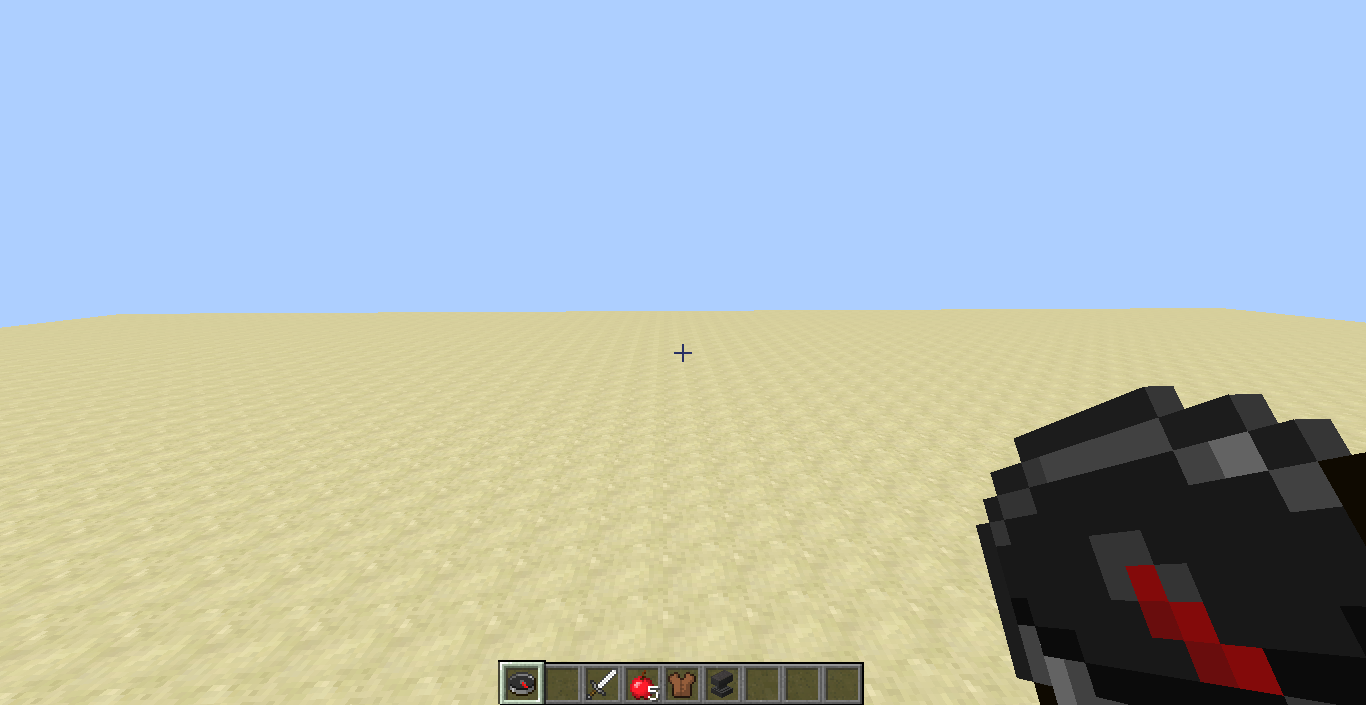 Custom Respawn Items - Minecraft Bukkit Plugins - CurseForge
Here's how you do it: /execute @p ~ ~ ~ give {item} {delay}. Just replace "{delay}" with the number of game ticks you want to wait. One game tick is about 0.05 seconds. So, if you want to give your players a whole second to prepare, you'd type in a delay of 20. Isn't that just the most considerate command ever?
Let's Get Weird
Alright, so you've mastered the basics. You're giving out items left and right, making your fellow players feel like they've just won the Minecraft lottery. But what if you want to get a little... weird? What if you want to give items to players who are on fire? Or who are riding a pig? Or who are looking at a painting?
Well, my friend, Minecraft has got you covered. You can add all sorts of conditions to your command. For example, to give items to players who are on fire, you'd use /execute @p[nbt={OnFire:1b}] ~ ~ ~ give {item}. It's like giving out fire extinguishers, but in reverse. Isn't that just the most Minecraft-y thing ever?
And That's Not All...
Oh, the things you can do with the /execute command! You can make it so that players have to answer a riddle to get their loot. You can make it so that they have to dance like a chicken (because, you know, Minecraft logic). You can even make it so that they have to marry a villager (again, Minecraft logic). The possibilities are endless, my friends. It's like having your very own Minecraft game show!
 How to Give Players Named Items in Minecraft *Bedrock* - YouTube
But Wait, What If I Mess Up?
Alright, so you've been playing around with the /execute command, and suddenly, your dispenser starts shooting arrows at your poor, unsuspecting players. Don't worry, it happens to the best of us. Luckily, Minecraft has a little safety feature called gamemode.
If you type /gamemode creative, your players will be invincible. No more accidental arrow showers! And if you want to switch back to survival mode, just type /gamemode survival. It's like having a little safety net to catch you when you mess up. Because, let's face it, we all mess up sometimes. It's what makes us human. Or, you know, Minecraft-y.
And That's How You Do It!
And there you have it, folks! You're now a master of the /execute command. You can give items to your fellow players as soon as they respawn. You can make them dance like chickens. You can even make them marry a villager. The world's your oyster, my friend. Go forth and Minecraft!
But remember, with great power comes great responsibility. Don't go giving away all your diamonds just because you can. And for the love of Steve, don't make anyone marry a villager against their will. That's just not cool. Happy Minecrafting, everyone!
