What Is My Ssid On My Phone

Ever felt like you're in a crowded café, and suddenly your phone's Wi-Fi connection drops? You're not alone! We've all been there, frantically searching for that magical netwo...
Ever felt like you're in a crowded café, and suddenly your phone's Wi-Fi connection drops? You're not alone! We've all been there, frantically searching for that magical network name that'll get us back online. That, my friends, is your SSID, and it's more important than you might think.
So, What's an SSID?
Imagine you're at a party, and everyone's introducing themselves. Your SSID is like your phone's party name, the one it shouts out to let other devices know it's ready to connect. It's a unique identifier, a bit like your name, but for your Wi-Fi network.
Here's a simple way to find it. On an iPhone, go to Settings, tap on Wi-Fi, and look for the Network Name under the connected network. On Android, it's similar: Settings, Wi-Fi, and check the Network details.
Must Read
Why Should You Care?
Knowing your SSID is like knowing your own phone number. It's how other devices find you. Whether you're trying to connect your laptop, smart TV, or even your smart fridge (yes, they exist!), they all need to know your SSID to join the party.
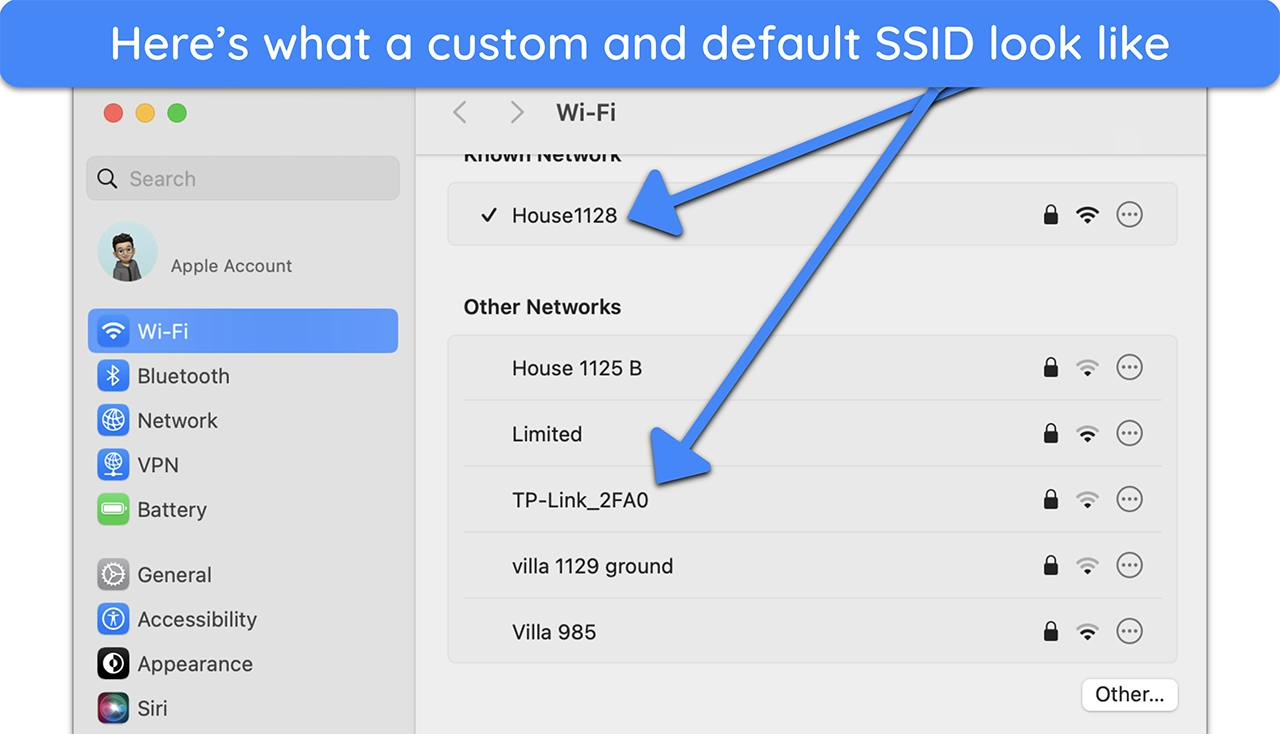
But here's where it gets interesting. Ever tried to connect to a neighbor's Wi-Fi by mistake? That's because you saw their SSID and thought it was yours. That's why it's a good idea to give your SSID a unique name, something that only you would use. It's like choosing a password, but for your Wi-Fi network.
Hidden Networks: The Mystery Guests
Now, you might have heard of hidden networks. These are like the mysterious guests at the party who don't introduce themselves. They don't broadcast their SSID, so you won't see them listed. But don't worry, you can still connect to them. You just need to know their secret name and manually enter it.
 How To Find Network Ssid On Android Phone - Dibujos Cute Para Imprimir
To do this on an iPhone, go to Settings, Wi-Fi, then tap the info (i) icon next to the network you want to join. Tap Forget This Network, then try to connect again. This time, you should see an option to Join Other Network, where you can enter the hidden SSID. On Android, it's similar: Settings, Wi-Fi, long-press the network, and select Forget. Then, try to connect again, and you should see an option to Add Network.
Keep Your Party Secure
Now, you might be thinking, "That's all well and good, but why should I care about my SSID?" Well, let me tell you a little story. Imagine you're at a party, and someone asks you for your PIN. You'd be cautious, right? You wouldn't just blurt it out to anyone. Your SSID is a bit like that. It's not your password, but it's still important to keep it secure.
Here's why. If someone knows your SSID, they can try to connect to your network. And if they manage to guess your password, they could potentially access your devices or use your internet connection. Not good, right?
 How to Check Network SSID on iPhone - YouTube
So, what can you do? Well, for starters, don't use an obvious SSID like "Free Wi-Fi" or "JohnDoe'sNetwork". Make it something unique, like your favorite band or a quote from your favorite movie. Just don't make it something that could easily identify you or your location.
You can also change your SSID password regularly. Most routers let you do this easily. Just log into your router's settings (usually by typing 192.168.1.1 into your browser), and look for the Wireless or Security settings. From there, you can change your password. Just remember to update it on all your devices too!
Let's Wrap Up
So there you have it. Your SSID is like your phone's party name, and it's more important than you might think. It's how other devices find you, and it's a key part of keeping your network secure. So, the next time you're at a café, or trying to connect your smart TV, remember to check your SSID. It could just save the day!
And remember, just like at a real party, it's always a good idea to be cautious. Keep your SSID unique, change your password regularly, and you'll be well on your way to a secure and happy connected life.
