How To Hook Up Wii To Roku Tv

Hey there, tech-savvy friend! Let's get your Wii rolling on your Roku TV, yeah? So, you've got a Wii gathering dust in the corner, and a shiny new Roku TV just begging for so...
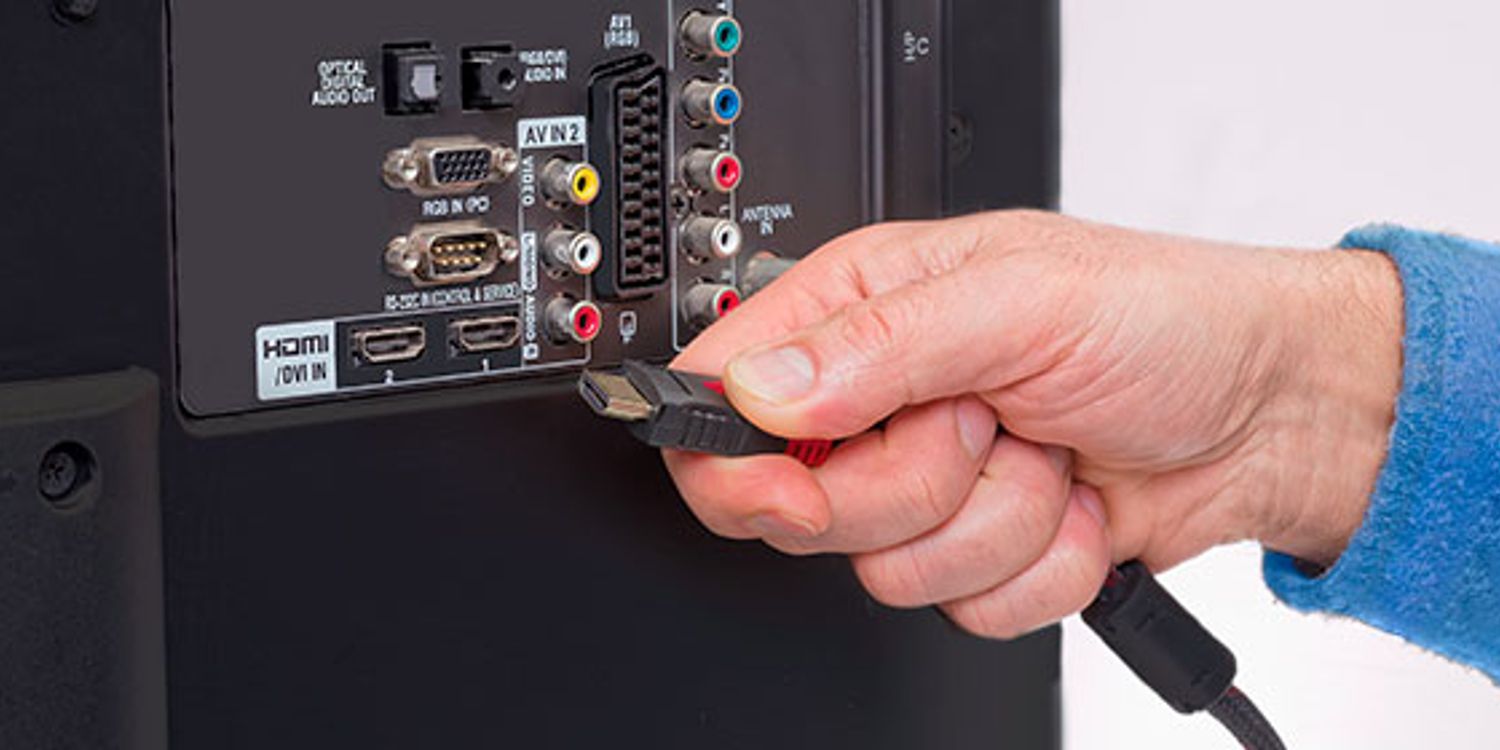
Hey there, tech-savvy friend! Let's get your Wii rolling on your Roku TV, yeah?
So, you've got a Wii gathering dust in the corner, and a shiny new Roku TV just begging for some retro gaming action? Well, you're in the right place! We're about to turn your living room into a gaming paradise. Let's dive in!
First things first: What's the deal with Wii and Roku?
Alright, so you might be wondering, "Why can't I just plug my Wii into my Roku like a regular TV?" Well, here's the thing: Wii uses a special type of video signal that Roku can't understand. But don't worry, we've got a workaround!
We're going to need a little helper called an HDMI capture device. This nifty gadget speaks both Wii and Roku languages, so they can play nice together. Sound good? Let's keep going!
Must Read
Now, let's get our hands on the right gear
You'll need an HDMI capture device, of course. The Elgato Cam Link 4K is a popular choice, but any device that supports Wii's component video output should do the trick. Don't forget to grab an HDMI cable too, if you haven't got one lying around.
Once you've got your gear, it's time to set up. Grab a snack, because we're about to have some fun!
Setting up: The fun part!
First, connect your Wii to the capture device using the component video cables (they're usually red, green, and blue). Then, plug the capture device into one of your Roku TV's USB ports. Easy peasy!
 How To Connect A Wii To A Roku TV - YouTube
Now, fire up your Wii and navigate to the video settings. Change the video output to Component - YPBPR. Don't worry if you don't know what that means – just trust me, it's the magic setting we need!
Next, switch your Roku TV's input source to the HDMI port you've connected the capture device to. And... that's it! You should now see your Wii's beautiful, retro goodness on your big, shiny TV screen.
But wait, there's more!
You can even control your Wii using the Roku remote! Just press the '*' button on the remote, and you'll be able to navigate your Wii menu like a pro. Isn't technology wonderful?
 Hooking Up Wii To Tv : How to Connect a Wii to a Samsung Smart TV – QTIRHX
And hey, while you're at it, why not give some of those classic Wii games a whirl? Mario Kart, anyone? Just remember to keep your hands off the Wii Remote while you're eating those snacks!
So there you have it, folks!
Your Wii is now hooked up to your Roku TV, and you're ready to roll. Isn't it amazing how a little bit of tech magic can bring so much joy? Now go forth, game on, and have a blast!
And who knows? Maybe next time, we'll tackle something even more mind-blowing. Until then, happy gaming, and remember: life's a game – so let's play it well!
