How Do You Clone A Cell Phone

Ever found yourself in a sticky situation, like dropping your phone in the loo or spilling your morning coffee on it? We've all been there, and it's not pretty. But what if I...

Ever found yourself in a sticky situation, like dropping your phone in the loo or spilling your morning coffee on it? We've all been there, and it's not pretty. But what if I told you, you could have a backup ready in a jiffy? No, I'm not talking about insurance (though, you should totally get that too). I'm talking about cloning your phone!
What's the Deal with Cloning?
Cloning a phone isn't like cloning a sheep (yes, that really happened). It's more like making a copy of your phone's brain - all the important stuff like contacts, apps, settings, and even photos. It's like having a twin, but for your phone.
Now, before you start imagining some sci-fi lab with petri dishes and test tubes, let me stop you right there. Cloning your phone is actually pretty simple and doesn't involve any mad scientist skills. All you need is a bit of time, a computer, and some backup software.
Must Read
Let's Get Cloning!
First things first, you need to choose your cloning weapon. There are several softwares out there, like Dr. Fone, Samsung Smart Switch, or iMyFone iTransor. They're all pretty user-friendly, so pick one that suits your budget and needs.
Once you've got your software, it's time to connect your phone to your computer. Most phones these days come with a USB cable, but if yours doesn't, you can pick one up cheap at any electronics store. Plug it in, and let the magic happen.
Each software has its own process, but they're all pretty similar. You'll usually need to select 'Backup' or 'Clone' from a menu, then follow the on-screen instructions. It might take a while, depending on how much stuff you've got on your phone, so grab a cup of tea and put your feet up.
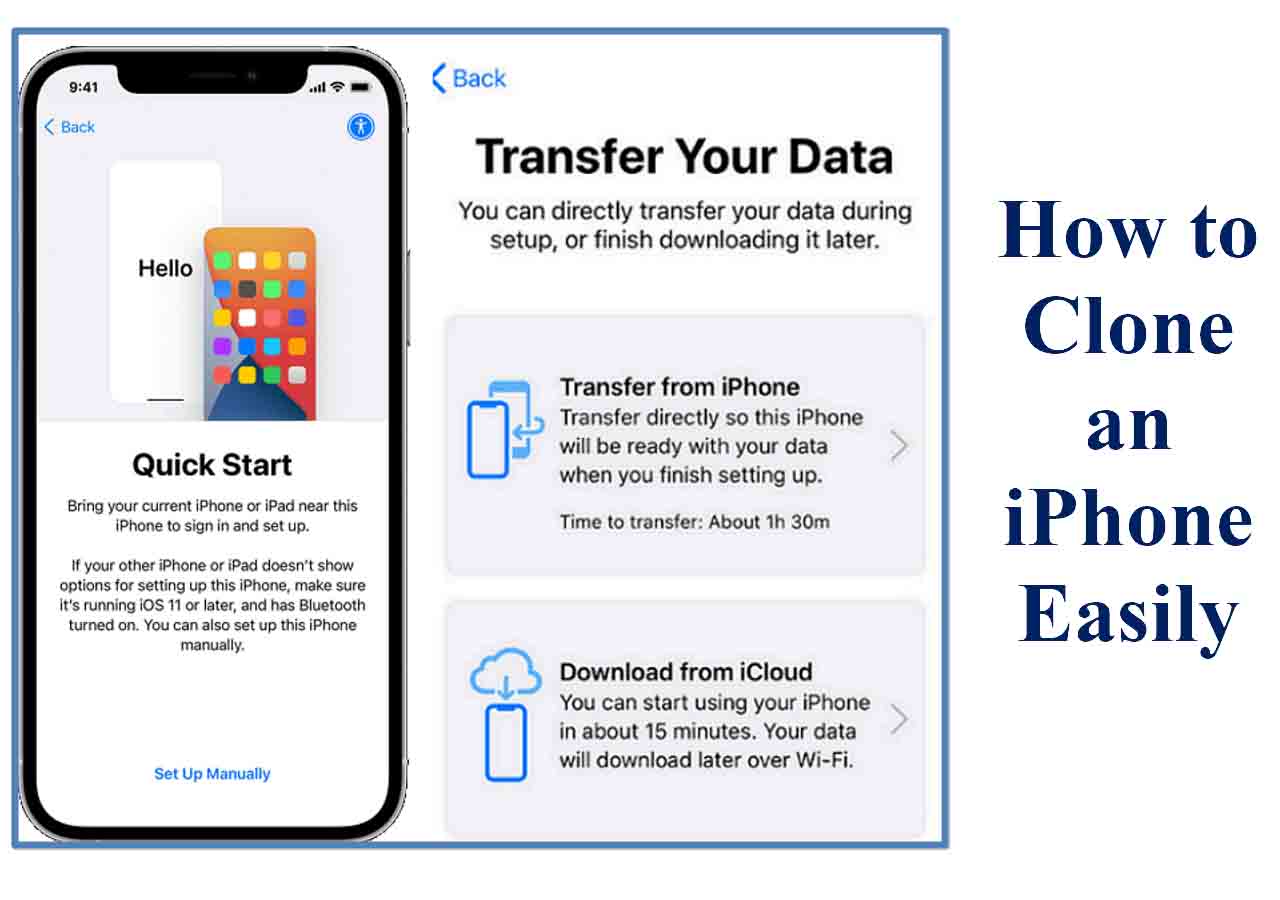
 Effortless Guide: How to Clone an iPhone
Meet Your Clone
After the cloning process is done, you'll have a shiny new backup of your phone. But what good is a backup if you can't use it, right? Well, that's where the fun begins.
If you've got a new phone, you can often restore your backup directly to it. This means all your stuff - contacts, photos, apps, the lot - will be right there, waiting for you. It's like having a brand new phone, but with all your old stuff on it. Magic, I tell you!
But what if you don't have a new phone? No worries! You can keep your backup on your computer and update it whenever you like. It's like having a little time capsule of your phone's life. You can look back and see what apps you were using last year, or what music you were into back in the day.
Why Bother?
You might be thinking, "This all sounds great, but why should I bother?" Well, let me tell you, having a backup can save your bacon in a whole heap of situations. Lost your phone? No problem, just restore your backup to your new one. Dropped it in the toilet? Again, no problem. Accidentally deleted something important? Yep, you guessed it - no problem!
 Wie Funktioniert Clone Phone , Wie funktioniert Phone Clone Huawei auf
But it's not just about the drama. Having a backup can also make your life easier. Upgrading to a new phone? No need to spend hours transferring all your stuff. Just restore your backup and you're good to go. Switching to a new computer? Again, backup to the rescue!
You're Invincible!
So there you have it, folks. Cloning your phone is easy, fun, and can save your bacon in a whole heap of situations. It's like having a superpower - you'll feel invincible knowing you've always got a backup plan.
But remember, with great power comes great responsibility. Don't go deleting stuff willy-nilly, thinking you can just clone it back. That's not how it works, folks. But as long as you use your powers responsibly, you're good to go.
So what are you waiting for? Get out there and start cloning! Your future self will thank you. And who knows, you might even enjoy the process. It's like giving your phone a little digital spring clean. And who doesn't love a good clean?
