How To Install Xbox Games On Pc

Hey there, gaming enthusiast! You've just stumbled upon the ultimate guide to installing Xbox games on your trusty PC. No, you don't need a time machine to travel back to the...
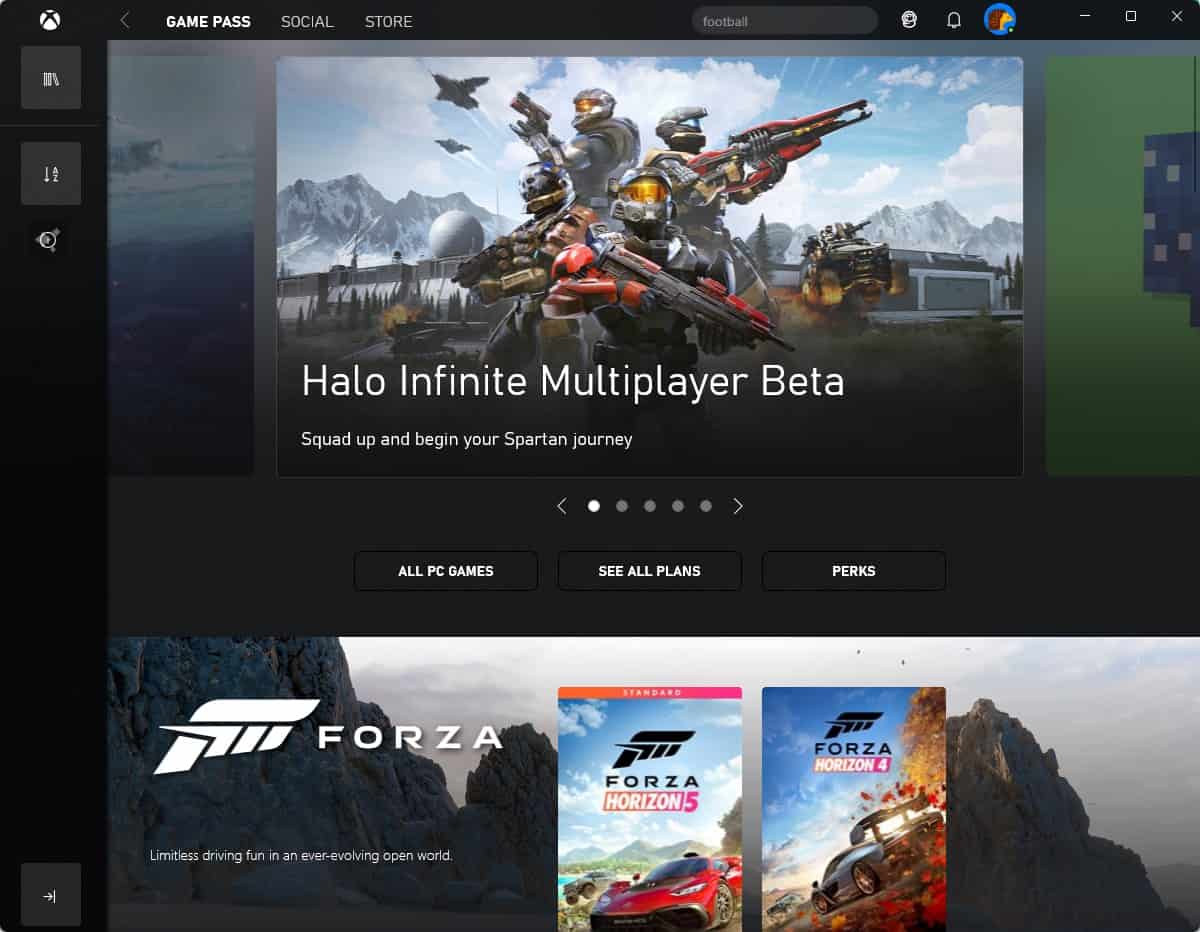
Hey there, gaming enthusiast! You've just stumbled upon the ultimate guide to installing Xbox games on your trusty PC. No, you don't need a time machine to travel back to the '90s, and yes, you can play your favorite Xbox games without selling your soul (or your firstborn). Let's dive in, shall we?
First Things First: What's Xbox Play Anywhere?
Imagine you're at a buffet (yes, the metaphorical kind, not the one from that horror movie). You've got your Xbox One, and it's like your main plate - it's got all the heavy hitters, the AAA games that make your friends green with envy. But then, you've got your PC, right? It's like that sneaky second plate you hide under the table, ready to pounce on those extra servings of games.
That's where Xbox Play Anywhere comes in. It's like the magical buffet pass that lets you play your Xbox games on your PC without any extra fuss. You buy a game once, and bam! It's yours on both platforms. Isn't that just the best kind of magic?
Alright, Let's Get This Party Started!
First things first, you need to make sure your PC is up to snuff. Now, I'm not saying you need a spaceship under your desk, but it should at least be able to run Windows 10. If you're not sure, just ask your PC. If it starts talking back, you might want to consider an upgrade.
Next, you'll need the Xbox app. It's like the DJ at this party, making sure everything runs smoothly. You can grab it from the Microsoft Store, or just click this link: Xbox App. Don't worry, it's free. Microsoft isn't that sneaky.
Now, Let's Get Gaming!
So, you've got your PC ready, and you've downloaded the Xbox app. Now it's time to start installing games. Here's how you do it:
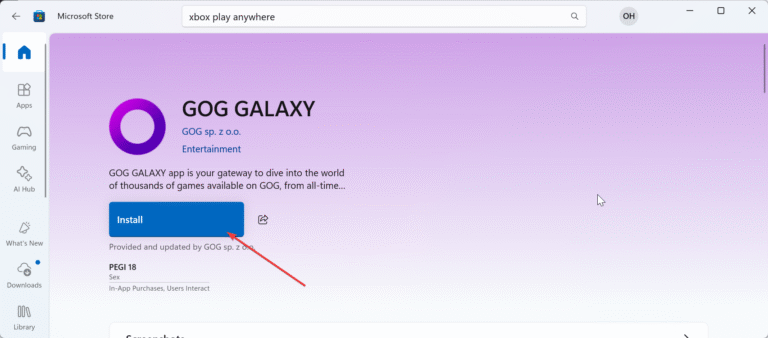 How to Download Xbox Play Anywhere Games on PC
- Open the Xbox app. It should look something like a control center for your gaming life.
- Click on 'My games & apps'. It's like your personal gaming library, all neat and tidy.
- Look for the game you want to install. If it's a Play Anywhere game, you'll see a little PC logo next to it. Click on it, and then click 'Install'.
- Now, sit back, relax, and let the magic happen. Your game will start downloading, and before you know it, you'll be gaming on your PC.
Easy peasy, right? Now, you might be wondering, "What if I want to play my game on both my Xbox One and my PC?" Well, my friend, that's where the magic of Xbox Play Anywhere really shines.
Xbox Play Anywhere: The Magic Trick
When you buy a Play Anywhere game, it's like buying a pair of magical gloves. You can wear them on your Xbox One, and poof! You can play on your PC too. No need to buy the game twice, no need to juggle different versions. It's like having a gaming superhero in your pocket.
To make sure your game is ready to go on both platforms, just make sure you're signed in to the same Microsoft account on both your Xbox One and your PC. It's like having a secret gaming handshake.
 How To Download Xbox Games On Pc at Pearl Murray blog
But Wait, There's More!
You might be thinking, "This is all well and good, but what if I want to play with my friends?" Well, hold onto your hats, because Xbox Live has got you covered. You can play with your friends on Xbox One, and they can join you on your PC. It's like having a gaming sleepover, but without the awkward morning-after conversations.
And the best part? All your achievements and saved games are synced across both platforms. It's like having a personal gaming butler, making sure everything is just the way you like it.
And That's How You Do It!
And there you have it, folks! You're now a master of installing Xbox games on your PC. You've got the power, you've got the knowledge, and you've got the games. So go forth, and game on!
Remember, gaming is all about having fun. So whether you're a PC gaming purist, or an Xbox One loyalist, Xbox Play Anywhere is here to make sure you can enjoy your games, wherever you are, and on whatever you've got. So keep gaming, keep smiling, and most importantly, keep having fun!
