How To Turn Off The Ring Camera

Hey there, tech-savvy friend! Ever found yourself in a spy movie moment, wanting to turn off that little eye in the sky, your Ring Camera? Well, you're in luck! Today, we're g...
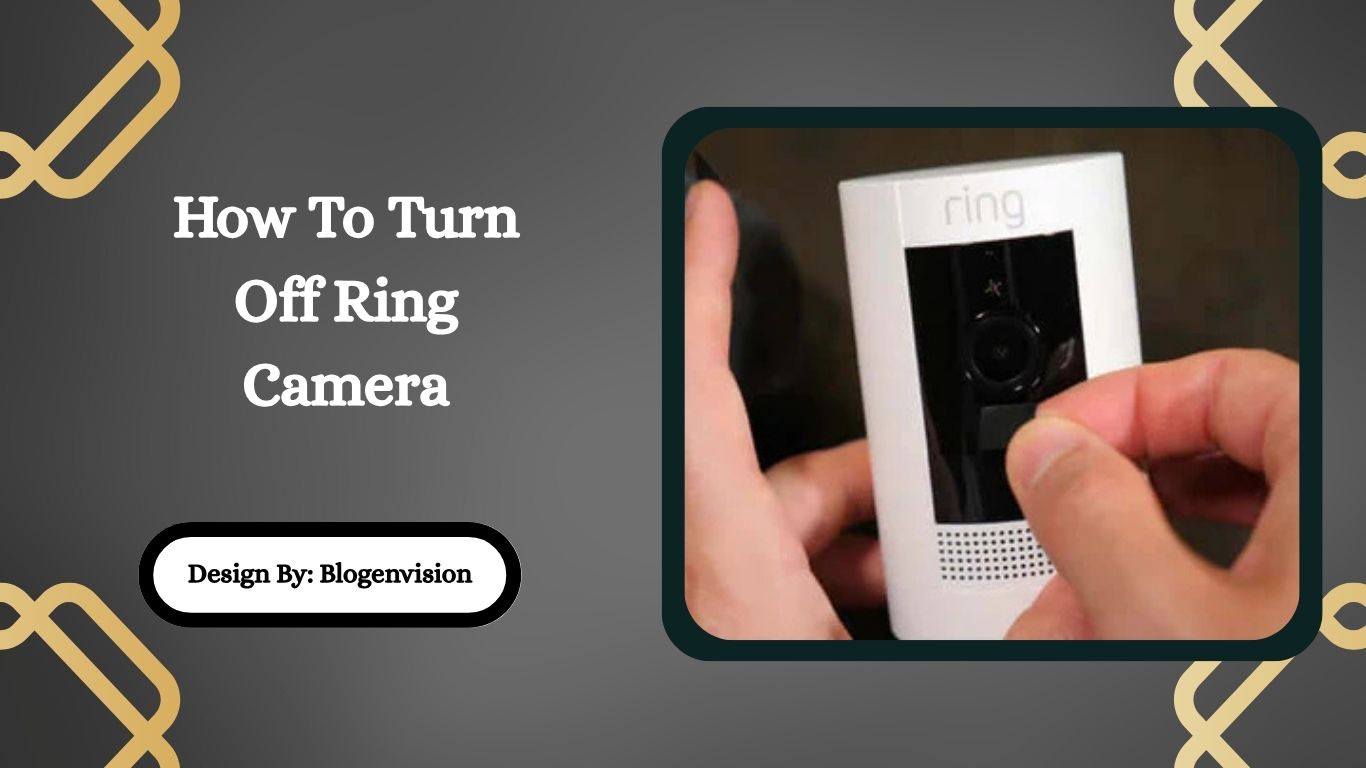
Hey there, tech-savvy friend! Ever found yourself in a spy movie moment, wanting to turn off that little eye in the sky, your Ring Camera? Well, you're in luck! Today, we're going to play secret agent and learn how to make your Ring camera take a little siesta. Let's dive in!
First things first, let's get to know our gadget
Your Ring Camera, it's not just a camera, it's a tiny, wireless, internet-connected powerhouse. It's like having a little helper keeping an eye on your place, but sometimes, even the best of friends need a break, right?
Why would you want to turn it off?
Maybe you're having a private party, or perhaps you're just feeling a bit paranoid about Big Brother watching. Whatever the reason, knowing how to turn off your Ring Camera can give you that peace of mind. Plus, it's always fun to play with gadgets, isn't it?
Now, let's get our hands dirty
Option 1: The easy peasy way - Using the Ring app
Alright, let's start with the simplest method. Grab your trusty smartphone and open the Ring app. Tap on the camera you want to silence, then hit the 'Device Settings' button. Scroll down, and there it is, the 'Disable Motion Detection' option. Toggle it on, and voila! Your camera will take a little nap.
Pro tip: If you want to give your camera a longer break, you can set a schedule. Just tap on 'Schedule' in the device settings, and you can tell your camera when to take a siesta and when to wake up.
 How To Turn Off Ring Camera & Stop Recording Video - YouTube
Option 2: The old-school way - Using the button
Now, if you're feeling a bit retro, you can turn off your Ring Camera the old-fashioned way, using the button on the device itself. Press and hold the button for about 10 seconds, and you'll feel a little vibration. That's your camera going night-night.
Fun fact: Did you know that when you turn off your Ring Camera this way, it's not just the motion detection that's off, but the camera itself? It's like giving your gadget a full-blown power nap!
But what about the lights?
You might be wondering, "What about those little lights on my Ring Camera? They're still blinking!" Well, don't worry, those lights are just letting you know that your camera is still connected to the internet. They won't give you away if you're trying to pull off a sneaky move.
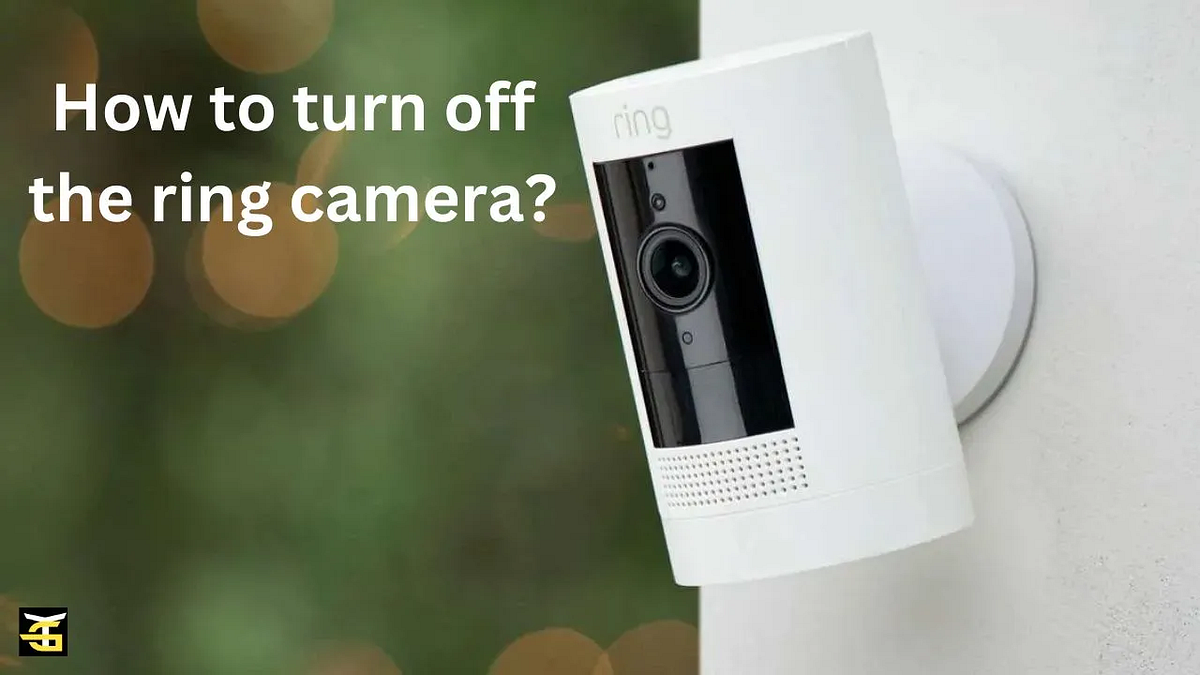 How To Take The Ring Camera Off The Wall at Nate Frederick blog
And if you change your mind...
If you decide you want your little helper back on duty, just follow the same steps in reverse. For the app, toggle off the 'Disable Motion Detection' option. For the button, press and hold it for about 10 seconds again, and your camera will wake up, ready to protect your home once more.
And there you have it!
You're now a certified secret agent, ready to turn off your Ring Camera at a moment's notice. Just remember, with great power comes great responsibility. Don't go turning off cameras willy-nilly, okay?
So, next time you want a little privacy, or you're just feeling mischievous, you know what to do. Happy gadget playing, and until next time, stay curious!
