How To Turn On Apple Pencil 2

Ever found yourself in a creative pickle, armed with your iPad Pro but sans inspiration, because, well, your Apple Pencil 2 isn't cooperating? Fret not, dear digital artist, w...

Ever found yourself in a creative pickle, armed with your iPad Pro but sans inspiration, because, well, your Apple Pencil 2 isn't cooperating? Fret not, dear digital artist, we've all been there. Let's dive into the world of Apple's magical stylus and learn how to turn it on, shall we?
First Things First: Pairing
Before we get started, ensure your Apple Pencil 2 is paired with your iPad Pro. It's a breeze, really. Just twist the cap off the top of the Pencil to reveal the Lightning connector, plug it into your iPad, and follow the on-screen prompts. It's like a first date, but with fewer awkward silences and a guaranteed happy ending - a connected Apple Pencil.
Now, Let's Get This Show on the Road
Alright, so you've paired your Pencil, but it's still not responding. Don't panic. Let's wake it up, shall we?
Must Read
Method 1: The Tap Dance
Here's a fun fact: Did you know that Apple Pencil 2 has a tiny, powerful sensor at its tip? It's like a mini-magnet for creativity. To turn it on, simply tap the tip of the Pencil on the screen of your iPad Pro. It's like a secret handshake between you and your artistic companion.
 Apple Pencil 2 Set Up Guide | How to Connect with iPad Air | Beginners
Method 2: The Cap Trick
If tapping isn't your thing (and really, who are we to judge?), there's another way. Remove the cap from the top of the Pencil, and, voilà! Your Pencil should spring to life. It's like a magic trick, but with a higher success rate than your average rabbit-from-a-hat routine.
But Wait, There's More!
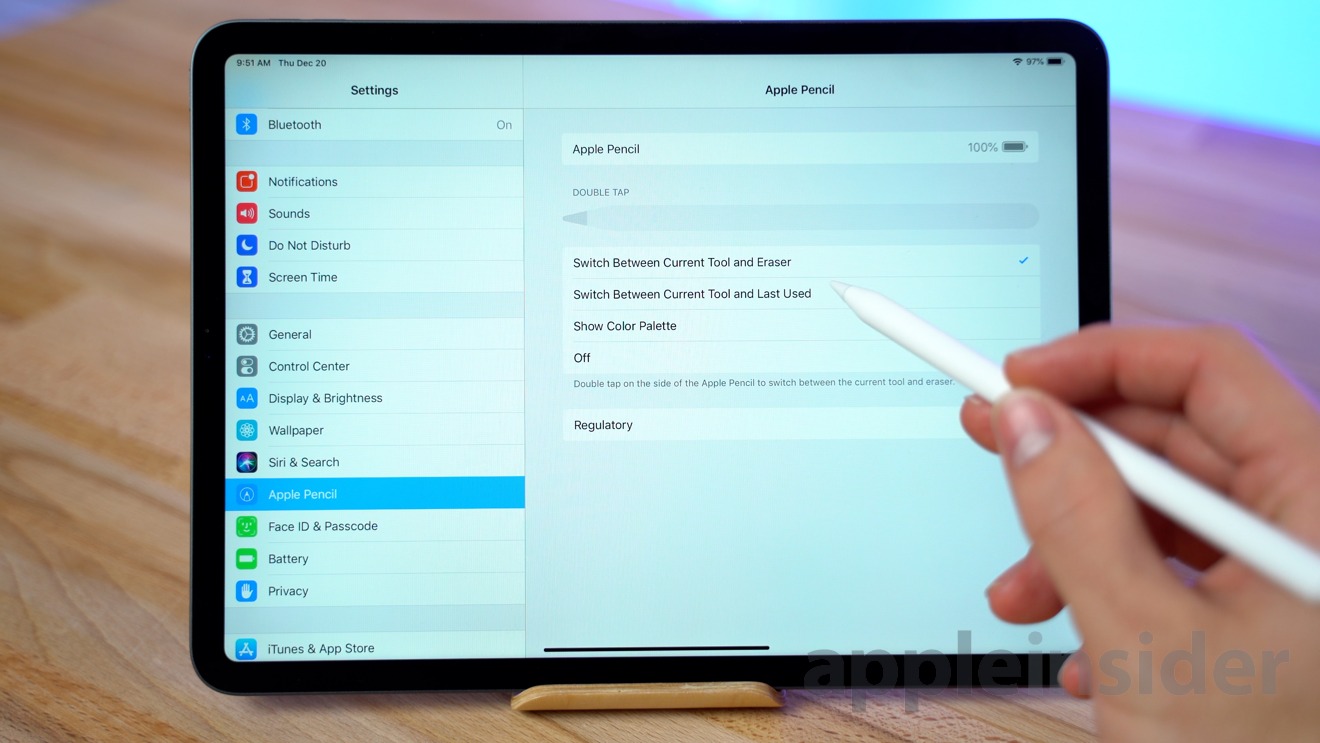
Here's a little-known tip: You can check the battery life of your Apple Pencil 2 right in the Settings app on your iPad Pro. Just go to Settings > Bluetooth, and look for your Pencil in the list. It's like a little health check for your creative companion.
 Everything you need to know to master 'Apple Pencil 2' | AppleInsider
And while we're on the subject of battery life, did you know that a quick 15-second charge gives you about 30 minutes of drawing time? It's like a power nap for your Pencil. Just plug it into your iPad Pro for a quick snooze, and you'll be ready to create again in no time.
Reflection: The Art of the Swipe
So there you have it. Turning on your Apple Pencil 2 is as easy as a tap or a cap removal. But let's take a moment to appreciate the magic of this little tool. It's not just a stylus; it's a bridge between your ideas and the digital canvas. It's the swipe that turns a blank screen into a masterpiece. It's the tap that brings your creativity to life. So go forth, dear artist, and create. Your Apple Pencil 2 is ready when you are.
