How To Lower File Size Of Png

Hey there, tech-savvy friend! Ever found yourself in a pickle, trying to email a gorgeous PNG but it's too big to send? Or maybe you're designing a website and those pesky PNG...
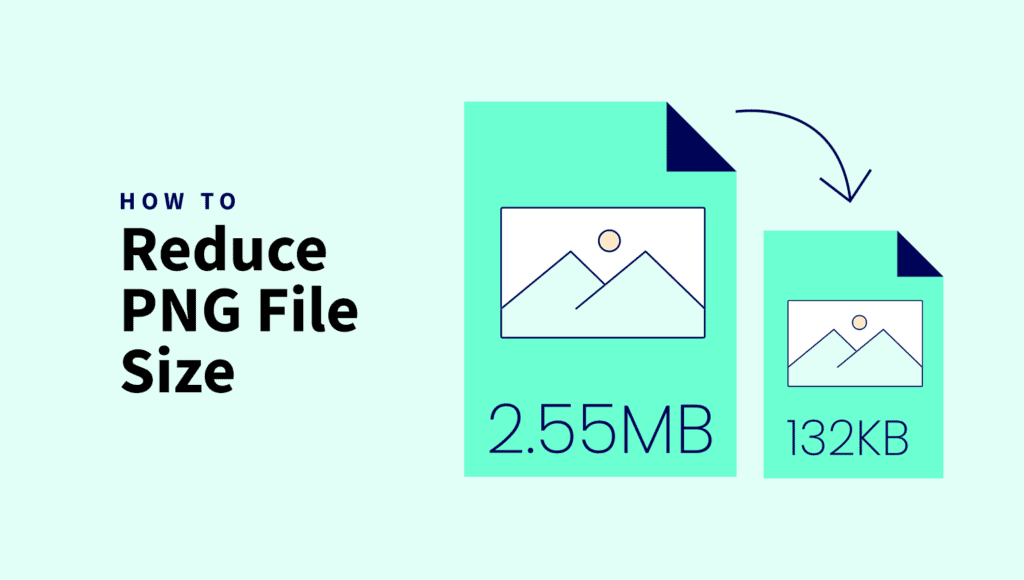
Hey there, tech-savvy friend! Ever found yourself in a pickle, trying to email a gorgeous PNG but it's too big to send? Or maybe you're designing a website and those pesky PNGs are slowing down your load times? Fear not, my friend! Today, we're going to tackle the fun world of PNG optimization and make your digital life a whole lot lighter.
Why PNGs, you ask?
Well, PNGs are like the superheroes of the image world. They're lossless, which means they don't lose quality when you squish them. They support transparency, which is perfect for those fancy designs. But, they can be a bit of a party crasher when it comes to file size. So, let's give them a makeover!
First things first: Ditch the extra baggage
PNGs can come with metadata, color profiles, and other stuff you don't need. Let's slim them down. Tools like Smushit or TinyPNG can strip out the excess, making your PNGs lean and mean.
Must Read
Compression: The magic trick
Now, let's talk about compression. PNGs use a type of compression called DEFLATE. It's like a magical vacuum that sucks out the unnecessary data. But, there's a catch. The more you compress, the longer it takes. So, find that sweet spot where your PNGs are small but still look fantastic.
Here's a pro tip: Reduce the number of colors. PNGs use lossless compression, which means it's more efficient with fewer colors. Tools like Paint.NET or GIMP can help you do this. Just remember, don't go too far or you'll end up with a pixelated mess.
 How to Reduce PNG File Size of a Photo - TechWiser
Resizing: A simple solution
Sometimes, the simplest solution is the best. If you don't need a massive image, resize it. A smaller image means less data, which means a smaller file size. It's like when you clean out your closet and suddenly you have more room. Win-win!
Let's talk tools
There are tons of tools out there to help you optimize your PNGs. Some are online, like I Love IMG. Others are software you can download, like Photoshop or Affinity Photo. Find what works best for you and have fun!
 How to Reduce PNG File Size of a Photo - TechWiser
You're a PNG pro now!
So, there you have it! You're now equipped with the knowledge to make your PNGs light and speedy. No more waiting for images to load, no more 'file too large' errors. You're a digital hero, saving the day one optimized PNG at a time.
Now, go forth and make the web a faster, more beautiful place. And remember, every byte you save is a byte you earn. Happy optimizing!
