How To Clean An Oled Tv Screen

So, there I was, sprawled on my couch, binge-watching the latest season of my favorite show on my brand new OLED TV. The picture was so crisp, it felt like I could reach out a...

So, there I was, sprawled on my couch, binge-watching the latest season of my favorite show on my brand new OLED TV. The picture was so crisp, it felt like I could reach out and touch the actors. But then, I noticed a smudge. A tiny, annoying, little smudge right in the middle of the screen. I squinted, leaned in, and yep, it was still there, mocking me. That's when I realized, it's time to learn how to clean an OLED TV screen.
Why OLED TVs Need Special Care
You might be thinking, "Hey, I've cleaned a TV screen before, what's the big deal?" Well, my friend, OLED TVs are a bit like the divas of the TV world. They require a gentle touch. You see, those tiny, tiny pixels that make up the screen are so sensitive, they can be damaged by regular cleaning products or harsh scrubbing.
Understanding the OLED Magic
OLED, or Organic Light Emitting Diode, TVs use self-lighting pixels. Each pixel emits its own light, which is why OLED TVs can produce such deep blacks and vibrant colors. But this also means they're more susceptible to damage. So, let's dive into how to clean these delicate screens without causing a pixel disaster.
Must Read
Gather Your Cleaning Army
Before you start, you'll need to gather your cleaning supplies. But don't go grabbing the Windex just yet. For OLED TVs, you'll need:
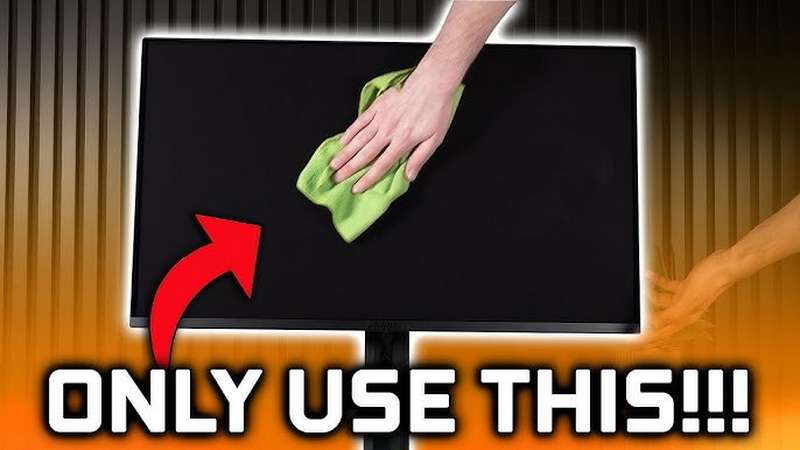
- Microfiber cloths - These are your TV's new best friend. They're soft, gentle, and won't leave any lint behind.
- Distilled water - Tap water can leave mineral deposits that could damage your TV.
- Isopropyl alcohol - A small amount (70% concentration) can help remove tough stains. But remember, a little goes a long way.
Let's Get Cleaning!
Step 1: Turn Off and Unplug
First things first, turn off your TV and unplug it from the power source. We don't want any static electricity causing a spark.
 What's The Best Way To Clean An OLED Tv Screen? - Kelai
Step 2: The Gentle Touch
Dampen your microfiber cloth with distilled water. Gently wipe the screen in one direction, using light, circular motions. If there are any tough stains, you can dampen a cotton swab with a small amount of isopropyl alcohol and gently dab at the stain.
Step 3: The Final Wipe
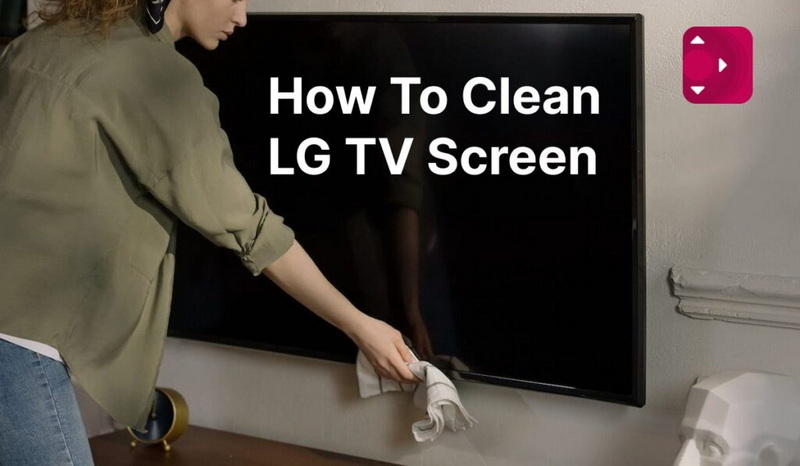
Once you've cleaned the entire screen, use a dry microfiber cloth to wipe it down again. This will remove any remaining moisture and leave your screen sparkling clean.
 How To Clean Fingerprints Off Oled Tv Screen? - Kelai
What to Avoid
Now, you know what to do, but it's also important to know what not to do. Avoid using:
- Paper towels or tissues - They can scratch the screen and leave lint behind.
- Glass cleaners or other household cleaners - They can damage the screen and leave residue behind.
- Harsh scrubbing - Remember, gentle is the name of the game with OLED TVs.
Prevention is Key
To keep your OLED TV screen clean, try to minimize dust buildup. Keep it away from direct sunlight and avoid placing it near air vents. Also, consider using a screen protector. It won't prevent all smudges, but it can make cleaning easier and protect your screen from scratches.
And there you have it, folks! Your OLED TV screen should now be smudge-free and ready for your next binge-watching session. Just remember, a little care goes a long way in keeping your TV's pixels happy and healthy. Happy cleaning!
