What Is Gps On Apple Watch Mean

So, there I was, out for a run, feeling like a total badass in my new Apple Watch. I mean, it's not every day you get to feel like you're training with NASA, right? But then,...
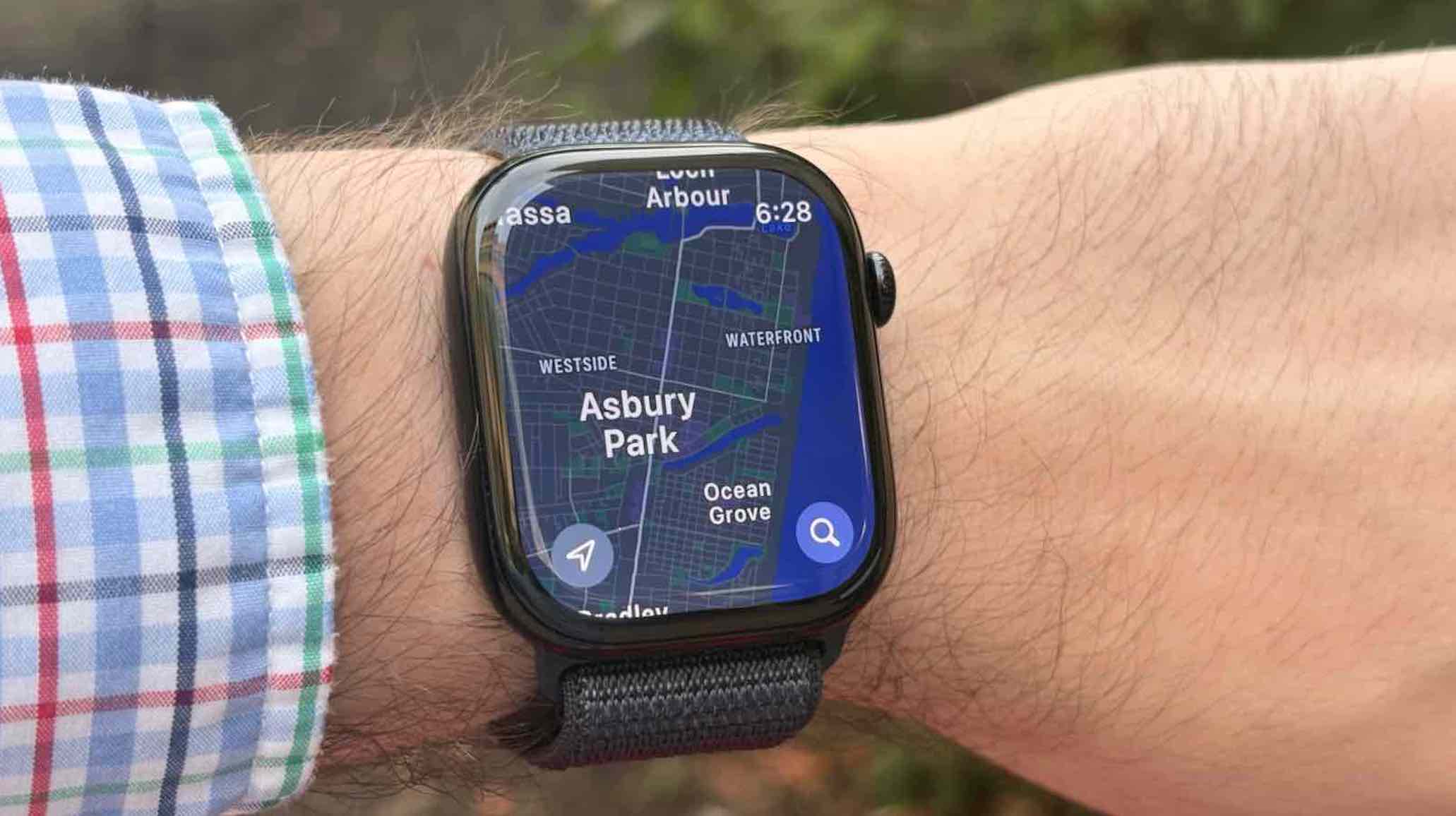
So, there I was, out for a run, feeling like a total badass in my new Apple Watch. I mean, it's not every day you get to feel like you're training with NASA, right? But then, I noticed something weird. This little icon popped up on my watch face, looked like a satellite dish. I thought, "Well, that's new. Did I just get beamed up to the mother ship?"
No, as it turns out, I hadn't been abducted by aliens. That little icon was actually the GPS on my Apple Watch. Now, I know what you're thinking, "Duh, everyone knows that!" But hear me out, because I've got some fun facts and tips that might just blow your mind (or at least make you look at your watch in a new light).
What's the Deal with GPS on Apple Watch?
Alright, so let's start with the basics. GPS, or Global Positioning System, is like having a tiny, super-accurate fairy godmother on your wrist. It knows where you are, where you've been, and where you're going. All that data gets sent to the Apple Watch, and voila! You've got a personal trainer, a navigation system, and a safety net all rolled into one.
Must Read
Now, you might be wondering, "Why do I need GPS on my watch? Can't I just use my phone?" Well, sure, you could. But think about it - have you ever been out for a run, trying to follow a map on your phone, only to find that sweat, sunlight, or a rogue squirrel made it impossible to see? Yeah, me too. That's where the Apple Watch comes in. It's right there on your wrist, ready to guide you without any of that phone-fumbling nonsense.
How Does It Work?
So, how does this magical fairy godmother thing actually work? Well, it's all about satellites, baby. The Apple Watch uses a combination of GPS, GLONASS, and Galileo satellite systems to pinpoint your location. It's like having a tiny, super-accurate compass on your wrist, always pointing you in the right direction.
But here's where it gets really cool. The Apple Watch doesn't just use GPS for navigation. It also uses it to track your movement, your pace, your distance, and even your elevation. It's like having a personal trainer, a navigation system, and a fitness tracker all rolled into one. And the best part? You don't even have to think about it. Just put on your watch, and let it do its thing.
But Wait, There's More!
Now, you might be thinking, "Okay, that's all well and good, but what if I'm indoors? Or what if I'm in a place where the satellites can't see me?" Well, fear not, dear reader! The Apple Watch has a secret weapon: Ultra Wideband (UWB) technology.
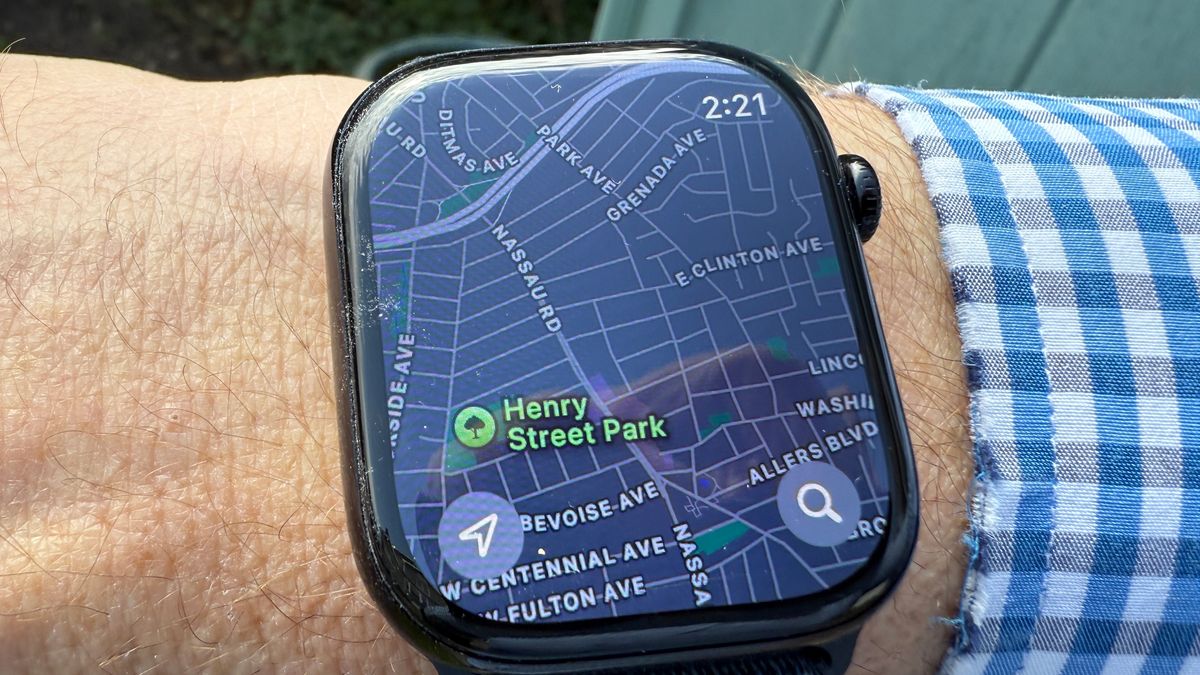 Ranked: the 10 biggest milestones in Apple Watch's 10-year history
UWB is like GPS's cool cousin. It uses radio waves to measure the distance between your watch and your iPhone, even when they're in the same room. So, even if you're indoors, or in a place where the satellites can't see you, your Apple Watch can still track your movement. It's like having a tiny, super-accurate homing device on your wrist. Pretty neat, huh?
So, What Can You Do with GPS on Apple Watch?
Alright, so now that you know what GPS on Apple Watch is and how it works, let's talk about what you can actually do with it. The short answer? A lot.
For starters, you can use it to track your workouts. Whether you're running, cycling, swimming, or just out for a walk, your Apple Watch can track your pace, your distance, your calories burned, and even your heart rate. It's like having a personal trainer on your wrist, cheering you on every step of the way.
But GPS on Apple Watch isn't just for fitness fanatics. It's also great for navigation. Whether you're out for a hike, exploring a new city, or just trying to find your way back to your car in a crowded parking lot, your Apple Watch can guide you with turn-by-turn directions. It's like having a tiny, super-accurate map in your pocket. Or on your wrist. Whatever.
 Apple Watch - Apple (PT)
And here's where it gets really cool. The Apple Watch can also use GPS to keep you safe. If you're out for a run and you feel like you're in danger, just press and hold the side button and the digital crown. Your watch will automatically call the emergency services and send them your location. It's like having a tiny, super-accurate guardian angel on your wrist. Pretty amazing, huh?
But Wait, There's Even More!
Now, you might be thinking, "Okay, that's all great and everything, but what if I don't want everyone to know where I am all the time? What if I want to go off the grid?" Well, fear not, privacy-minded friend! The Apple Watch has you covered.
You can turn off Location Services at any time, which will stop your watch from using your location data. You can also choose which apps have access to your location, so you can keep your whereabouts to yourself. And if you're really serious about privacy, you can even use the Find My app to track your iPhone, instead of your watch. It's like having a tiny, super-accurate secret agent on your wrist. Pretty cool, huh?
So, What Are You Waiting For?
Alright, so there you have it. The lowdown on GPS on Apple Watch. It's like having a tiny, super-accurate fairy godmother, personal trainer, navigation system, and safety net all rolled into one. So, what are you waiting for? Get out there and explore, track your workouts, and stay safe. Your Apple Watch has got your back (or your wrist, at least).
And hey, if you've got any tips or tricks for using GPS on Apple Watch, I'd love to hear them. Drop a comment below and let's chat. After all, we're all in this together, navigating our way through life, one step at a time.
