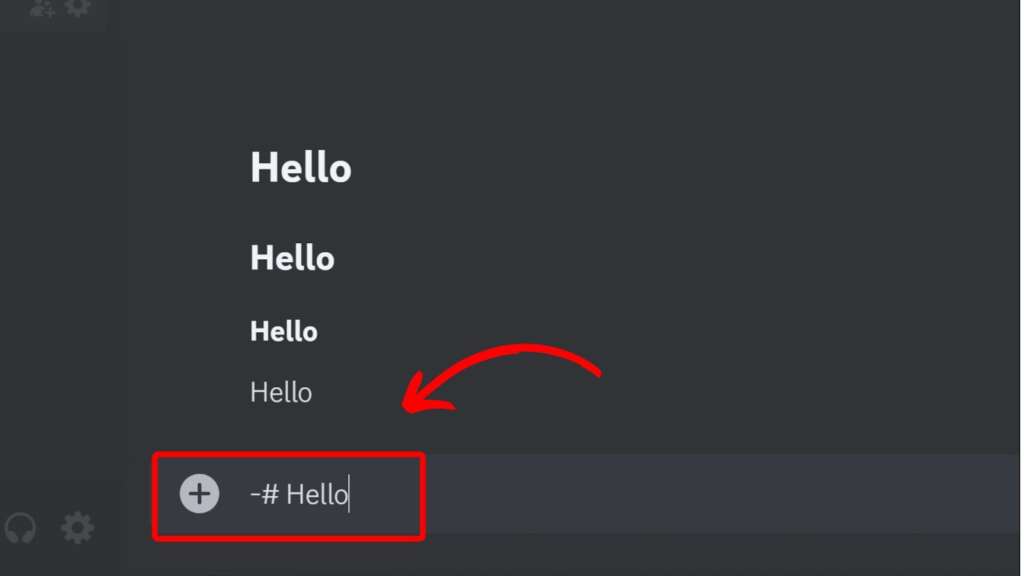
How To Do Tiny Text On Discord

Ever felt like your Discord messages could use a little... shrink ray? You're not alone! Tiny text is taking over the internet, and it's time to hop on that tiny train. Let's...

Ever felt like your Discord messages could use a little... shrink ray? You're not alone! Tiny text is taking over the internet, and it's time to hop on that tiny train. Let's dive in and make your messages miniature masterpieces!
Why Go Tiny?
First things first, why bother with tiny text? Well, it's quirky, it's fun, and it's a great way to stand out in a sea of standard-sized messages. Plus, it's perfect for sneaking in spoilers or secrets without giving too much away. Just remember, not everyone loves tiny text, so use it sparingly and considerately.
Let's Get Tiny!
Alright, ready to shrink your text? Here's how:
Must Read
- On Desktop: Type your message, then highlight it. Right-click and select 'Inspect'. In the pop-up, find the 'font-size' line, change the number to something tiny (like 10px), and hit enter. Voila!
- On Mobile: It's a bit trickier, but you can do it! Tap and hold your message, then tap 'Copy'. Go to your message bar, type '`fs 10 '`, paste your message, and type '` `'. Send it, and your message will be tiny!
Tiny Text Tips
Here are a few tips to make your tiny text journey smoother:
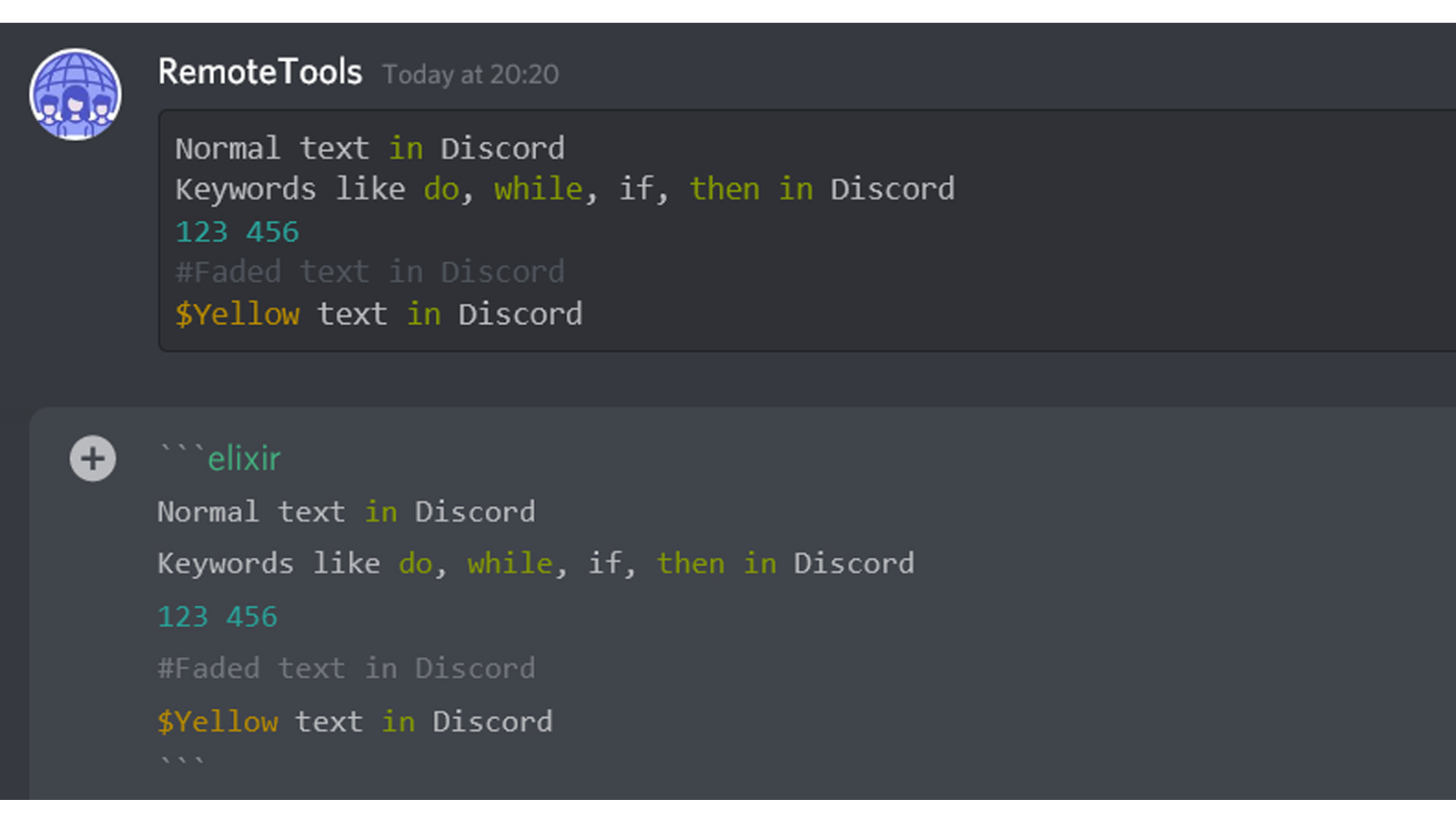 How To Black Out Text In Discord | Robots.net
- Use uppercase to make your tiny text even tinier.
- Consider using emojis to add some visual interest to your tiny messages.
- Be patient! It might take a few tries to get the font size just right.
Tiny Text Trivia
Did you know? The smallest font size you can use on Discord is 1px. It's practically invisible! But be careful, using font sizes this small can be considered spamming and may get you in trouble.
So there you have it! Now you're ready to start shrinking your messages and adding a touch of tiny fun to your Discord chats. Just remember, tiny text is like a tiny superpower - use it wisely!